49
2
2-4. Other settings
Basic function
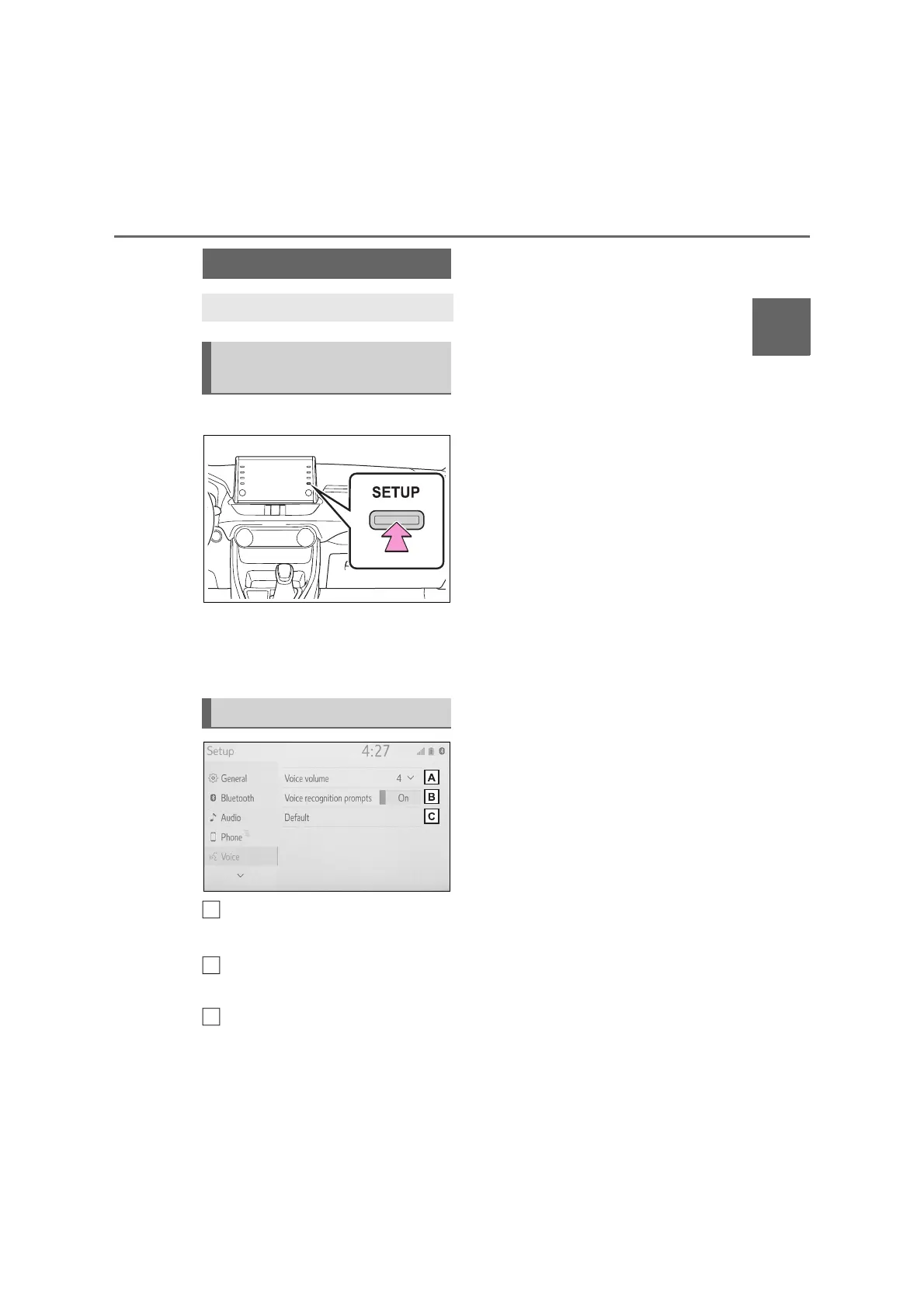
1 Press the “SETUP” button.
2 Select “Voice”.
3 Select the desired items to be
set.
Select to adjust the volume of
voice guidance.
*
Select to set the voice recogni-
tion prompts on/off.
Select to reset all setup items.
*
: When an Apple CarPlay/Android
Auto connection is established,
speech command system (Siri/Goo-
gle Assistant) and map application
voice guidance volume can be
changed.
Voice settings
Voice volume, etc. can be set.
Displaying the voice set-
tings screen
Voice settings screen
A
C



 To Next Page