16
2-1. Basic information before operation
2-1.Basic information before oper ation
After a few seconds, the caution
screen will be displayed.
After about 5 seconds or selecting
“Continue”, the caution screen
automatically switches to the next
screen.
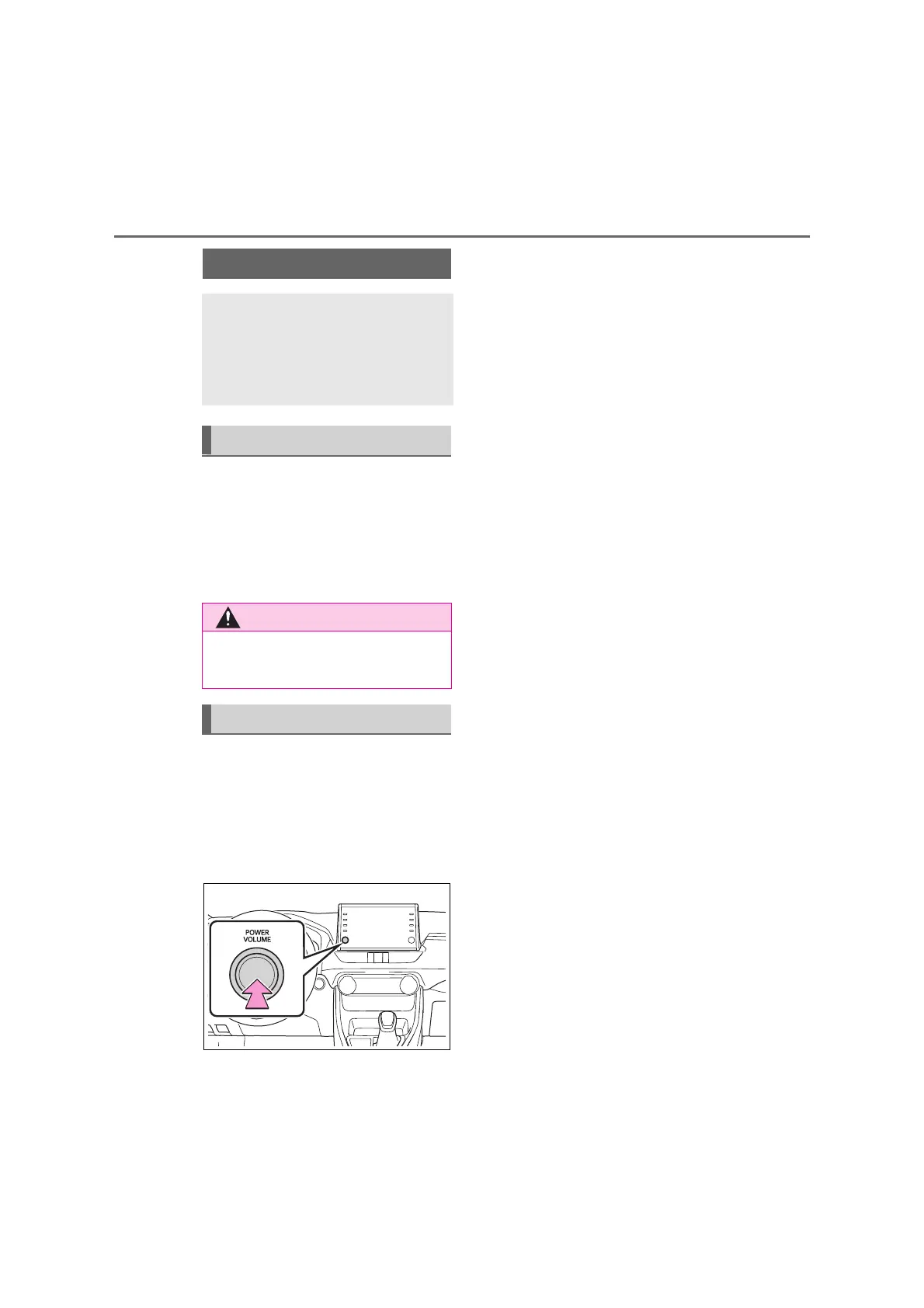
When system response is
extremely slow, the system can be
restarted.
1 Press and hold the “POWER
VOLUME” knob for 3 seconds or
more.
Initial screen
When the power switch is
turned to ACC or ON, the initial
screen will be displayed and
the system will begin operat-
ing.
Caution screen
● When the vehicle is stopped with
the hybrid system operating, always
apply the parking brake for safety.
Restarting the system



 To Next Page