13
1
1-1. Basic function
Quick guide
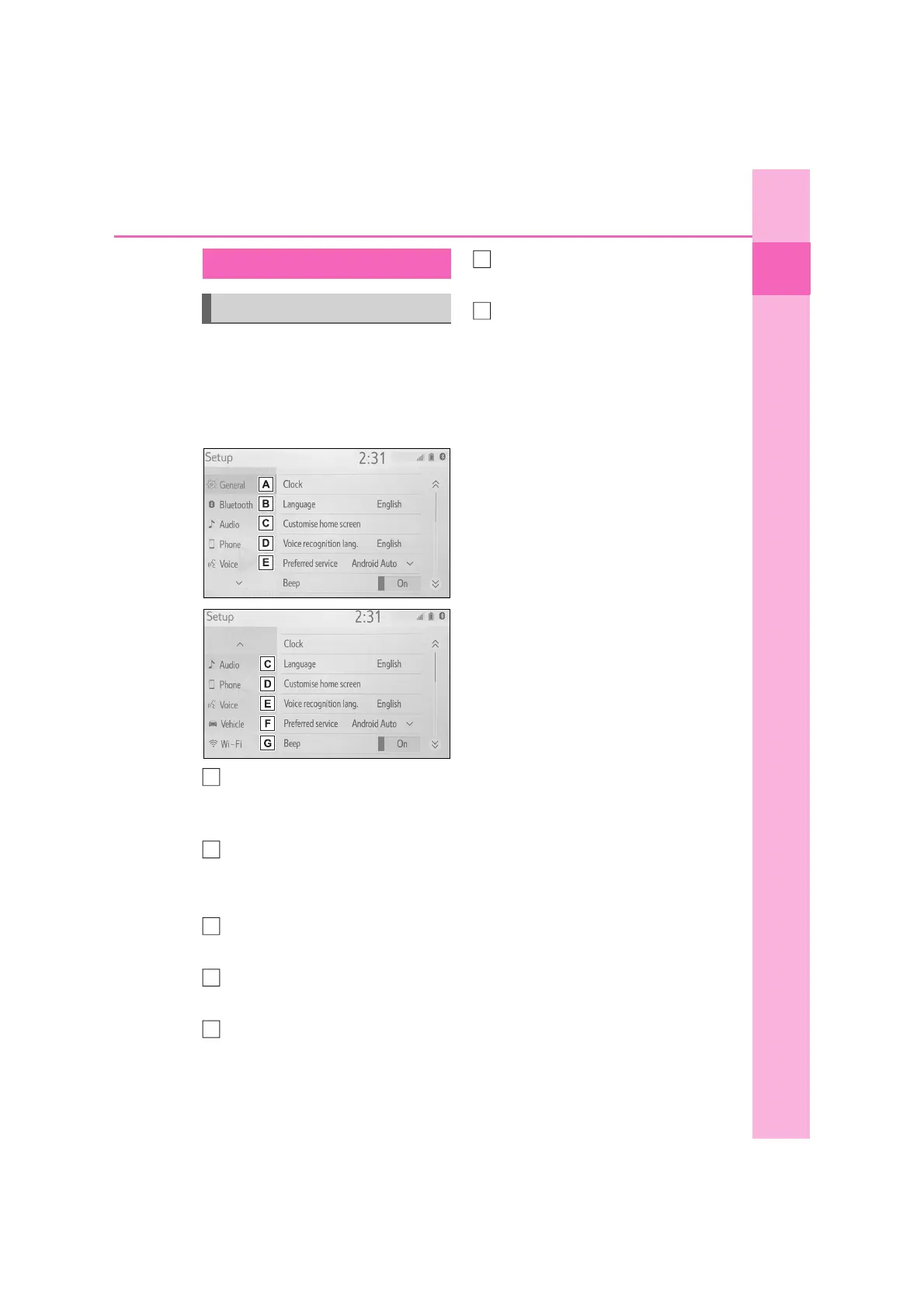
Press the “SETUP” button, or press
the “MENU” button, then select
“Setup” to display the “Setup”
screen. The items shown on the
“Setup” screen can be set.
Select to change the selected
language, operation sound set-
tings, etc. (P.46)
Select to set Bluetooth
®
device
and Bluetooth
®
system set-
tings. (P.30)
Select to set audio settings.
(P.76)
Select to set the phone sound,
contacts settings, etc. (P.123)
Select to set the voice settings.
(P.49)
Select to set vehicle information.
(P.50)
Select to set Wi-Fi
®
connection
settings. (P.37)
“Setup” screen
“Setup” screen
A
B
C
D
E
G



 To Next Page