EasyManua.ls Logo

Suzuki ACROSS - Touch Screen

Suzuki ACROSS
150 pages
Print Icon
To Next Page IconTo Next Page
To Previous Page IconTo Previous Page
Loading...
17
2
2-1. Basic information before operation
Basic function
Operations are performed by touching the touch screen directly with your
finger.
*1
: The above operations may not be performed on all screens.
*2
: The Apple CarPlay Maps application is not compatible with pinch multi-touch
gestures.
Touch screen
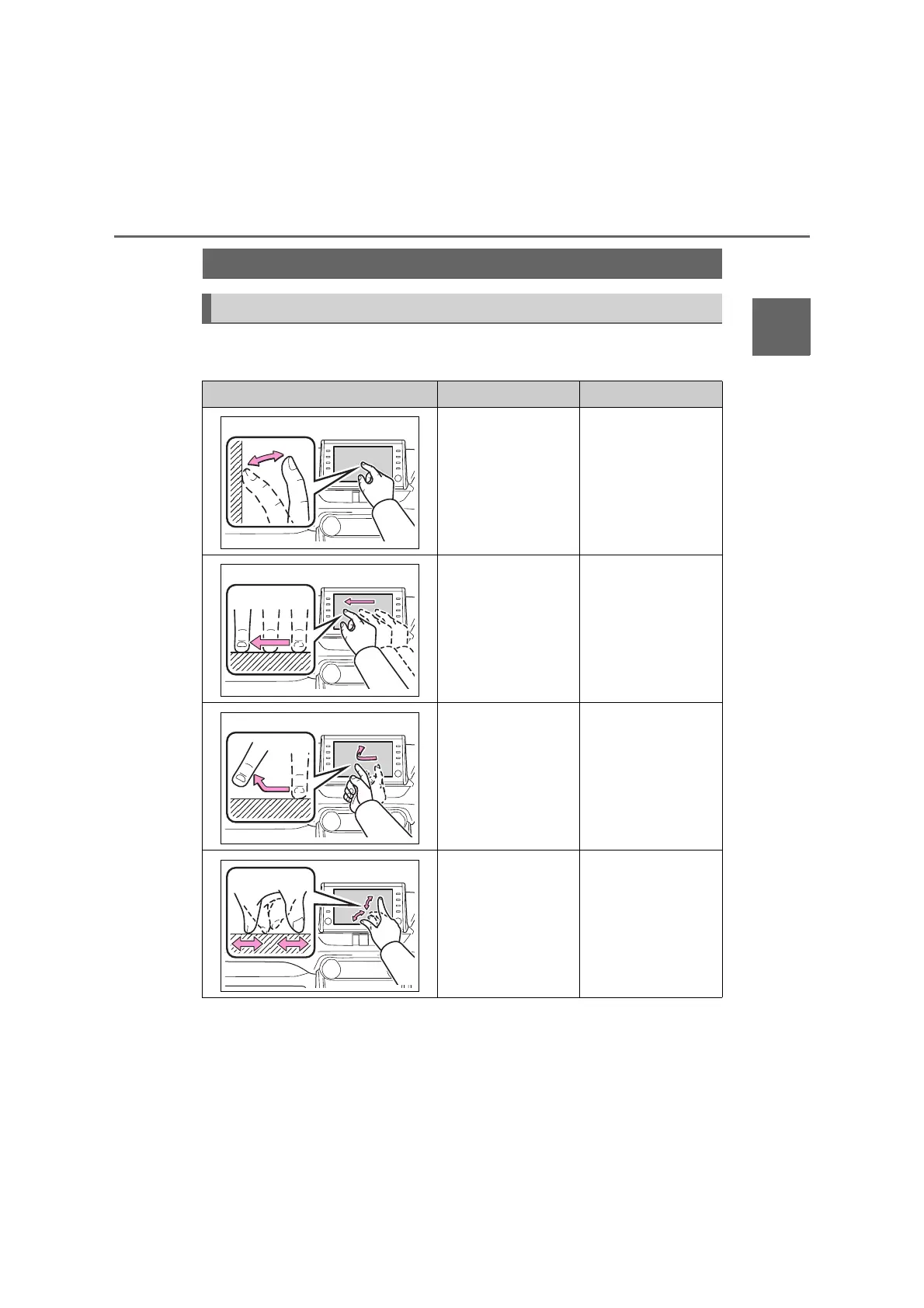
Touch screen gestures
Operation method Outline Main use
Touch
Quickly touch and
release once.
Selecting an item
on the screen
Drag
*1
Touch the screen with
your finger, and move
the screen to the
desired position.
Scrolling the lists
Scrolling the map
screen
Moving an item on
a list
Flick
*1
Quickly move the
screen by flicking with
your finger.
Scrolling the main
screen page
Scrolling the map
screen
Pinch in/Pinch out
*2
Slide fingers toward
each other or apart on
the screen.
Changing the scale
of the map

Table of Contents

Related product manuals