59
3
3-2. Radio operation
Audio/visual system
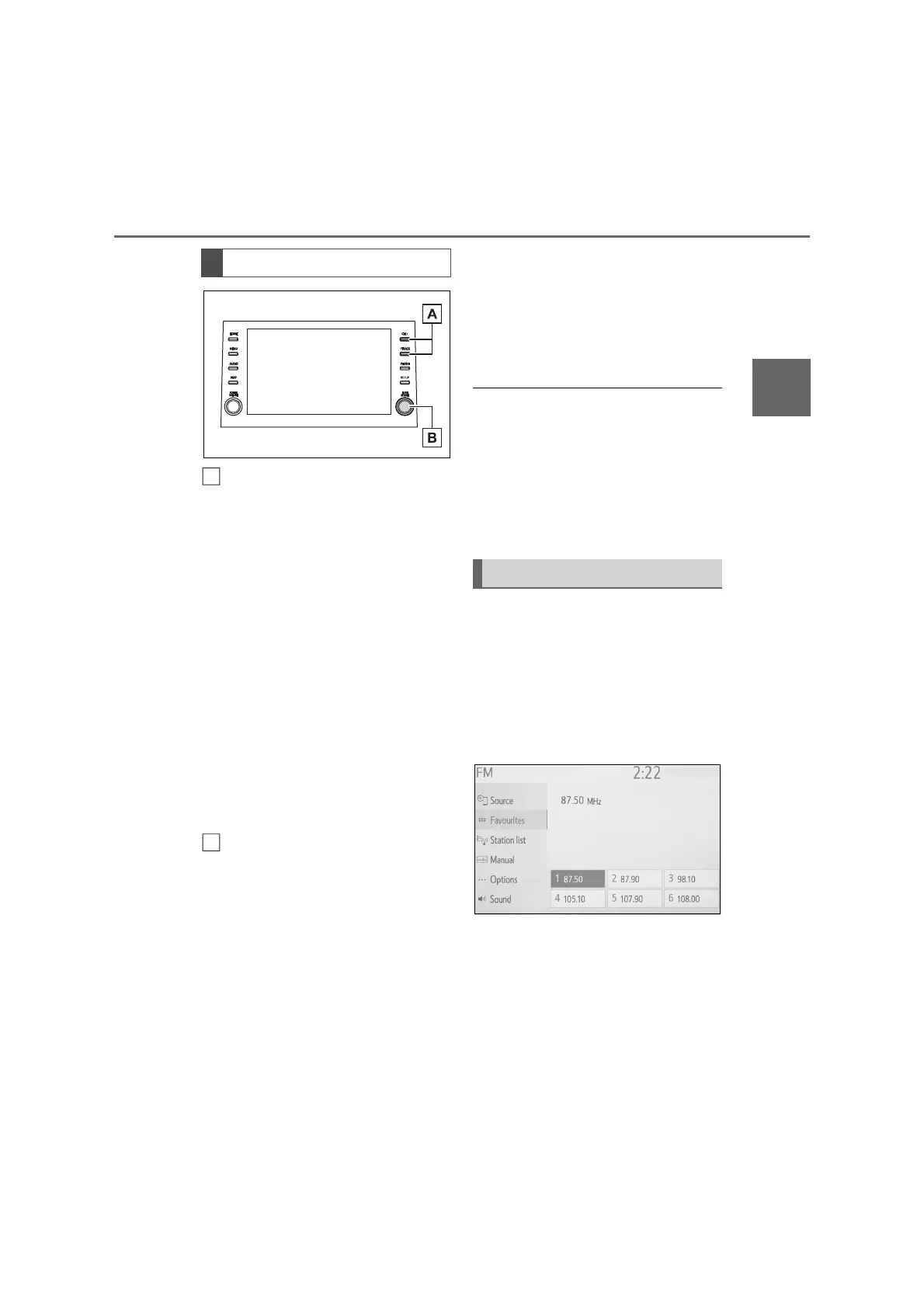
AM/FM:
Favourites screen: Press to
select preset stations.
Station list screen: Press to
move up/down the station’s list.
Manual screen: Press to seek
for stations. Press and hold for
continuous seek.
DAB:
Favourites screen: Press to
select preset services/stations.
Service/station list screen:
Press to move up/down the ser-
vice/station’s list.
Manual screen: Press to seek
for service/station. Press and
hold for continuous seek.
AM/FM:
Favourites screen: Turn to
select preset stations.
Station list screen: Turn to move
up/down the station’s list.
Manual screen: Turn to seek for
frequencies.
DAB:
Favourites screen: Turn to
select preset services/stations.
Service/station list screen: Turn
to move up/down the ser-
vice/station’s list.
Manual screen: Turn to seek for
service.
DAB time shift screen: Turn to
jump forward/backwards.
● The radio automatically changes to
stereo reception when a stereo broad-
cast is received.
● If the signal becomes weak, the radio
reduces the amount of channel sepa-
ration to prevent the weak signal from
creating noise. If the signal becomes
extremely weak, the radio switches
from stereo to mono reception.
Up to 6 preset stations/services can
be registered in AM mode, FM
mode and DAB mode.
1 Tune in the desired station.
2 Select one of the screen buttons
(1-6) and hold it until a beep is
heard.
The station’s frequency will be
displayed in the screen button.
To change the preset sta-
tions/services to a different one,
follow the same procedure.
Control panel
A
B
Presetting a station



 To Next Page