80
3-6. Tips for operating the audio/visual system
*1
: Only compatible with Windows
Media Audio Standard
*2
: Sound source of 48kHz or more is
down-converted to 48kHz/24bit.
*1
: Variable Bit Rate (VBR) compatible
*2
: Only compatible with Windows
Media Audio Standard
MP3 (MPEG Audio Layer 3),
WMA (Windows Media Audio)
and AAC (Advanced Audio Cod-
ing) are audio compression stan-
dards.
This system can play
MP3/WMA/AAC files on USB
memory.
MP4, WMV and AVI files can use
the following resolutions:
128x96, 160x120, 176x144
(QCIF), 320x240 (QVGA),
352x240 (SIF), 352x288 (CIF),
640x480 (VGA), 720x480
(NTSC), 720x576 (PAL)
When naming an
MP3/WMA/AAC file, add an
appropriate file extension
(.mp3/.wma/.m4a).
This system plays back files with
.mp3/.wma/.m4a file extensions
as MP3/WMA/AAC files respec-
tively. To prevent noise and play-
back errors, use the appropriate
file extension.
MP3 files are compatible with the
ID3 Tag Ver. 1.0, Ver. 1.1, Ver.
2.2 and Ver. 2.3 formats. This
system cannot display album
title, track title and artist name in
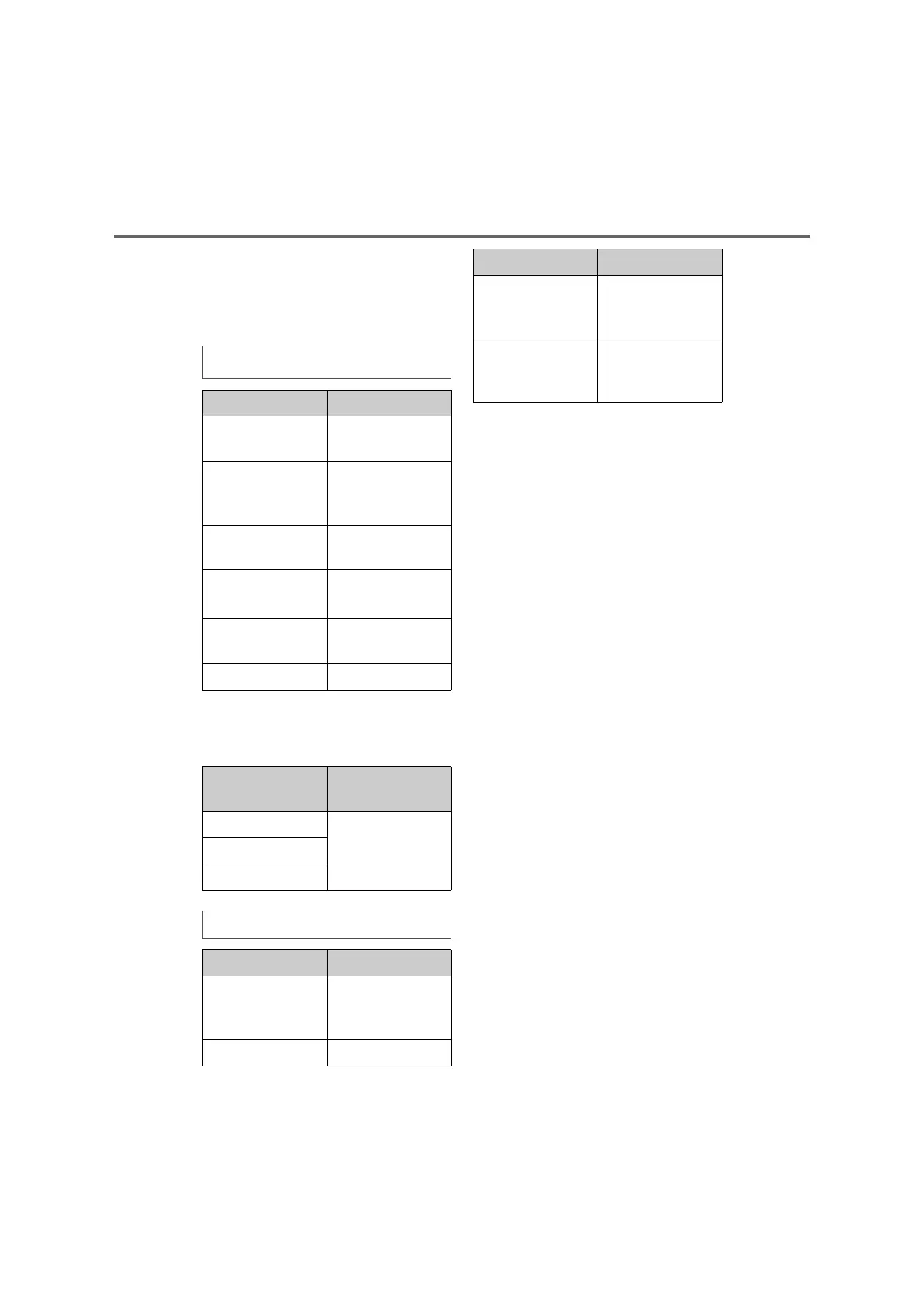
Corresponding bit rates
*1
File type Bit rate (kbps)
MP3 files:
MPEG 1 LAYER 3
32 - 320
MP3 files:
MPEG 2 LSF
LAYER 3
8 - 160
WMA files: Ver. 7,
8
CBR 48 - 192
WMA files:
Ver. 9
*2
(9.1/9.2)
CBR 48 - 320
AAC files:
MPEG4/AAC-LC
8 - 320
OGG Vorbis 32-500
File type
Quantization bit
rate (bit)
WAV(LPCM) files
16/24FLAC
ALAC
Compatible channel modes
File type Channel mode
MP3 files
Stereo, joint ste-
reo, dual channel
and monaural
WMA files 2ch
AAC files
1ch, 2ch (Dual
channel is not sup-
ported)
WAV (LPCM)/
FLAC/ALAC/
OGG Vorbis
2ch
File type Channel mode



 To Next Page