87
4
4-1. Speech command system operation
Speech command system
● Wait for the confirmation beep before
speaking a command.
● This system may not operate immedi-
ately after the power switch is in ACC
or ON.
1 Press the talk switch.
The speech command system is
activated.
Pressing the talk switch while a
voice prompt is playing, will stop
the voice recognition prompt and
immediately play the start listen-
ing tone.
While in voice recognition mode,
pressing and holding the talk
switch for 1 or more seconds
cancels voice recognition mode.
2 After a beep sounds, say the
desired command or select the
desired command.
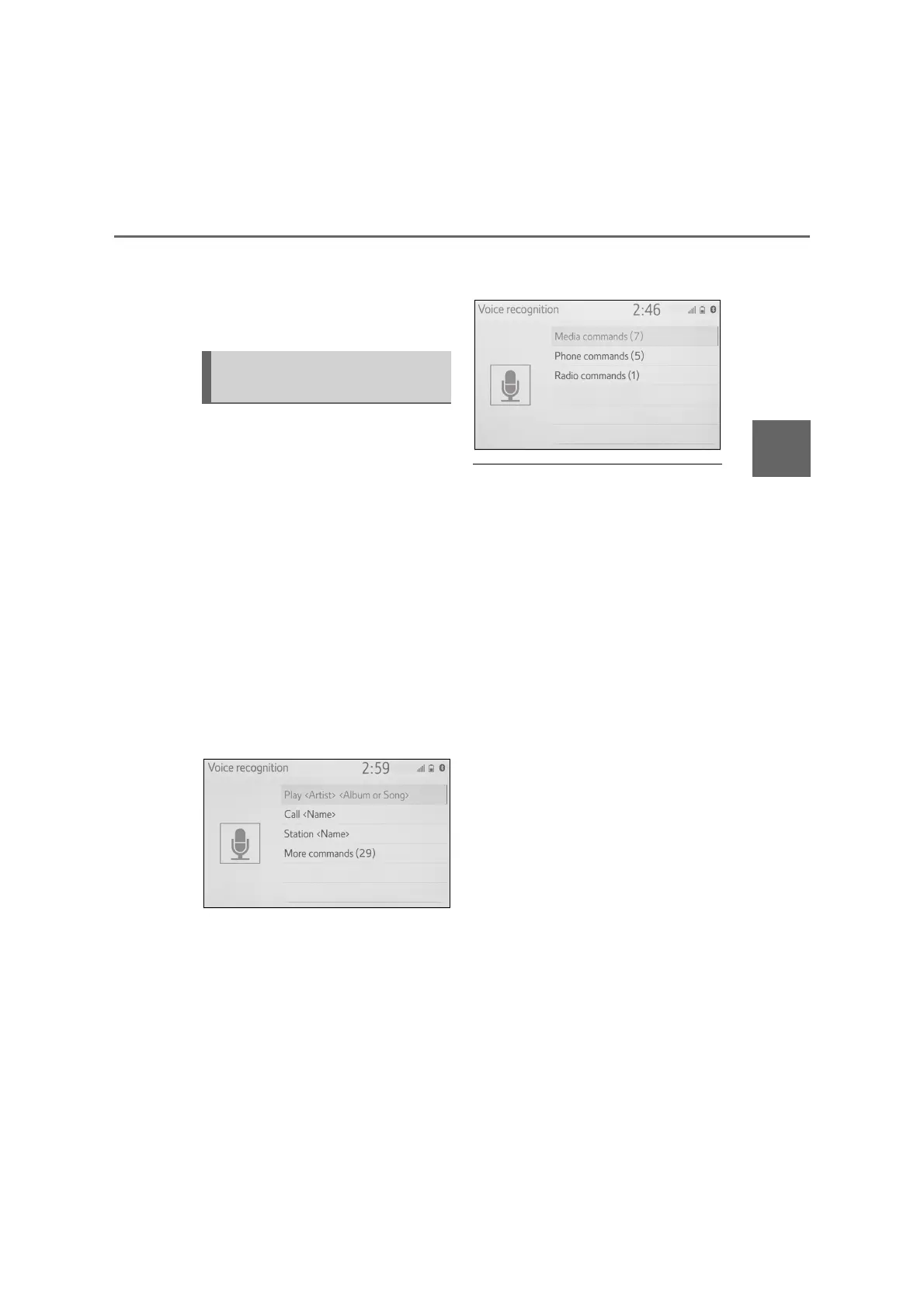
■ Displaying the command list
screen
1 Say “More commands” or select
“More commands” on the
speech command main menu
screen.
2 Say the desired command or
select the desired command.
● The command list is read out and the
corresponding command is high-
lighted. To cancel this function, press
the talk switch.
Speech command system
operation



 To Next Page