1. SYSTEM INTRODUCTION
1-33
1.16 Language
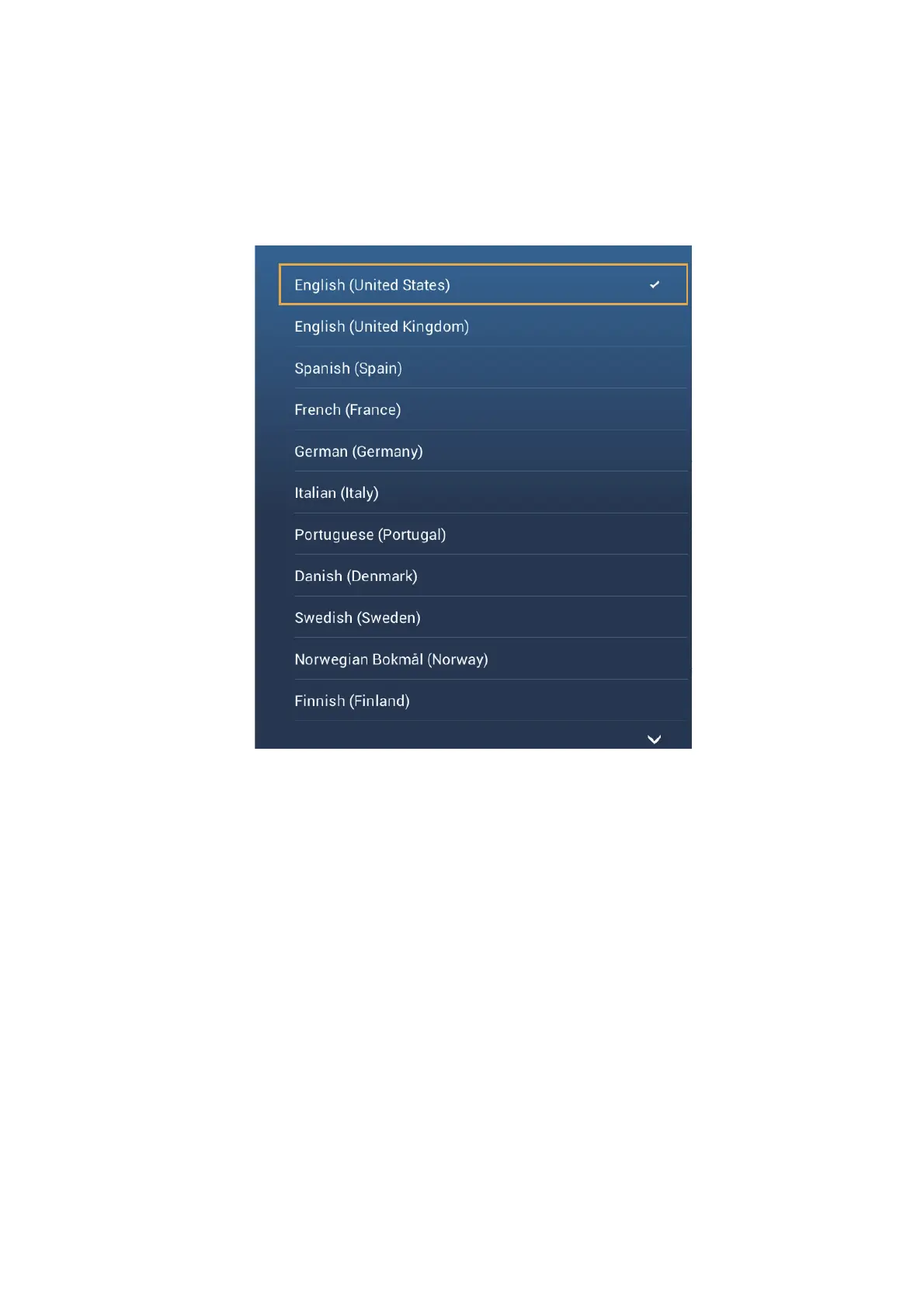
The default interface language is English (United States). To change the language, do
as follows:
1. Open the home screen, then tap [Settings] - [General].
2. Tap [Language].
3. Tap the language to use. The message "APPLICATION HAS TO RESTART
NOW! DO YOU WANT TO RESTART APPLICATION?" appears.
4. Tap [OK].
The system takes approximately five minutes to optimize the system for the new
language setting.
When the process is completed, the power switch will change color to orange. Press
the power switch to start the system.



 To Next Page