2. ENGINE DISPLAY
2-23
2.8.2 CZone control
Display and operations from the Engine display
1. On the home screen, tap the Engine display icon. If there is no Engine display
icon, see section 1.7.1 for how to add the icon.
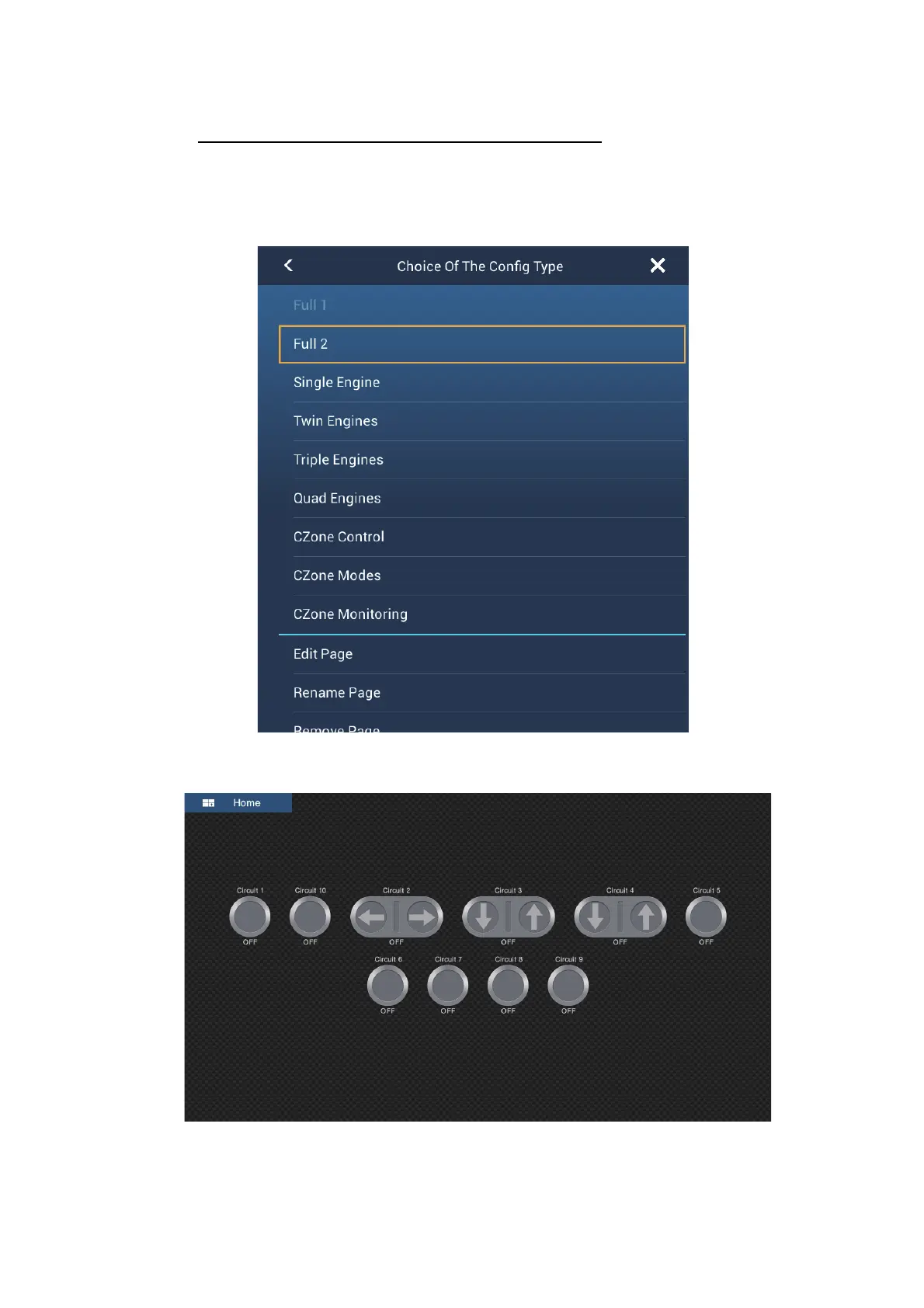
2. Tap the display screen, to show the following pop-up menu.
3. Tap [CZone Control] to show the [CZone Control] screen. Use [ON], [OFF], [],
[], [], [] to control CZone equipment.
CZone Control screen (example)



 To Next Page