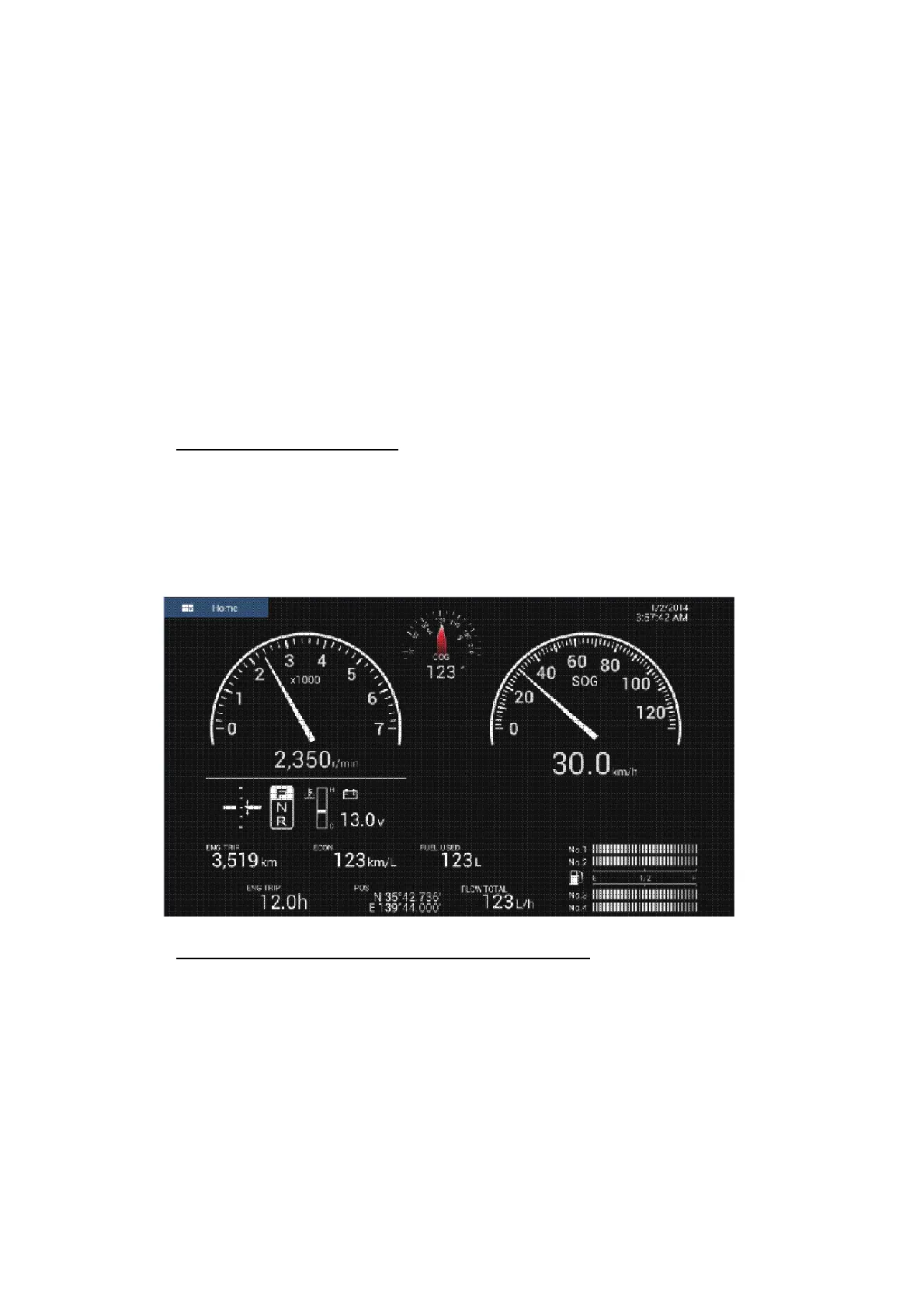
2. ENGINE DISPLAY
2-8
2.2.3 How to edit the Engine display
The Engine displays are fully customizable. You can edit the displays as follows:
• Remove the item from the display
• Add the item to the display
• Rearrange the item in the display
• Rename the display
• Delete the display
• Remove the display
• Add the custom display
Note: To restore the default Engine displays, go to the Home screen, then tap [Set-
tings] - [Initial Setup] - [Graphic Instruments Setup] - [Reset Instrument Pages]. All de-
fault displays are restored and any custom displays are deleted.
How to prepare for editing
To start the editing process, tap anywhere on the Engine display to show the pop-up
menu, then tap [Edit Page] on the menu. A blue line circumscribes each item in the
display, as shown in the figure below. Edit the display referring to the procedures in
the coming sections. To save your changes, tap anywhere on the item display to show
the pop-up menu, then tap [End Edit] on the menu.
How to rearrange the items in the Engine display
Drag and drop the items to your liking.



 To Next Page