2. ENGINE DISPLAY
2-22
2.8 CZone
The Multi-Function Display can control Power Products’ CZone equipment connected
in the network. CZone is a shipboard power management system.
This equipment controls [CZone Control], [CZone Modes] and [CZone Monitoring].
• CZone Control: Controls the power of individual CZone equipment.
• CZone Modes: Controls the power of multiple CZone equipment.
• CZone Monitoring: Shows temperature, pressure, fuel tank and battery state of
CZone equipment.
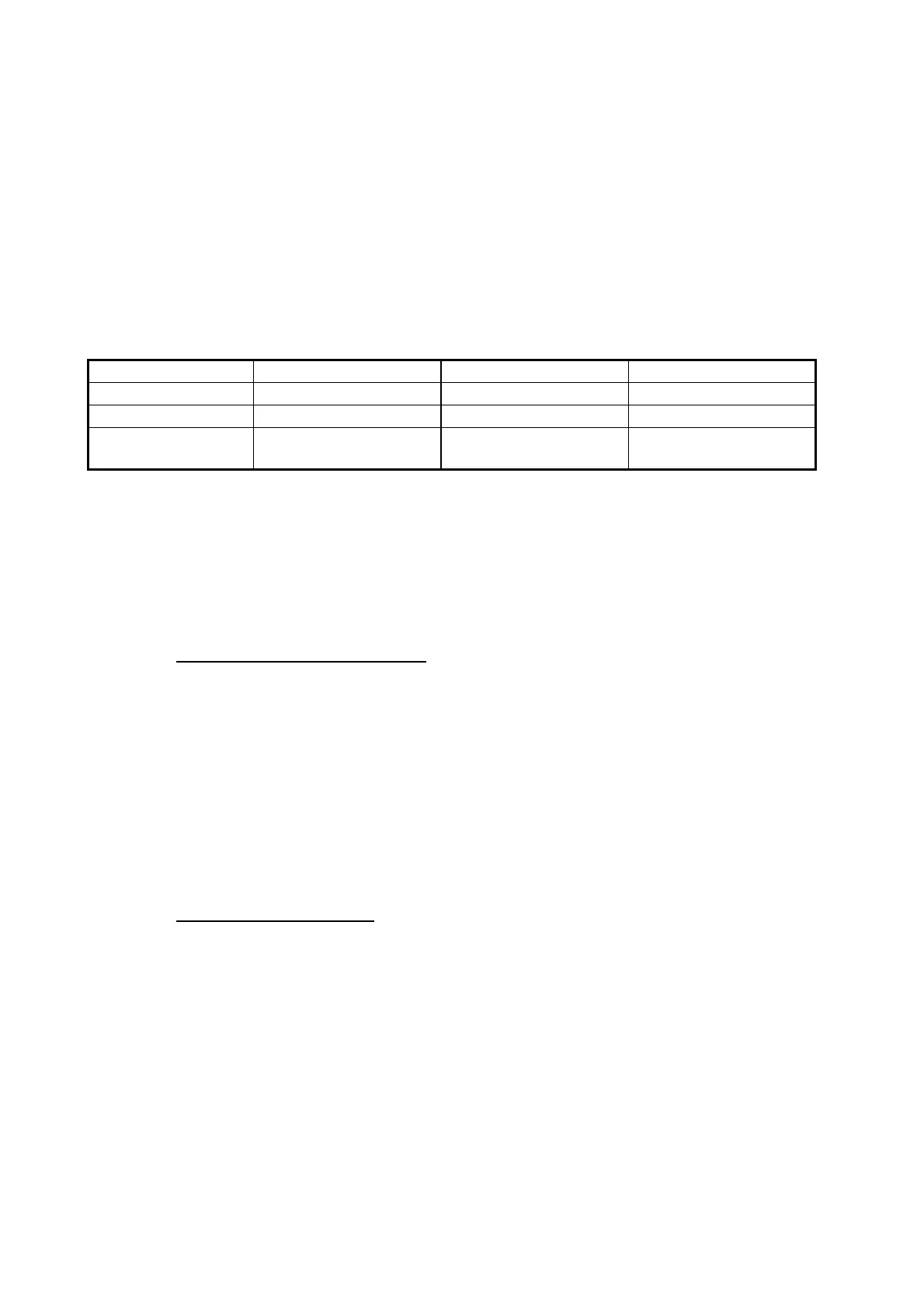
The table below shows the points of control of each CZone system.
2.8.1 How to use CZone
After confirming the following two items, set up your system to use CZone.C
• This equipment is connected to the CZone system and network by NMEA 2000 in-
terface.
• CZone equipment have been properly set.
How to add/edit CZone pages
Add or edit CZone pages in the following instances:
• First use of CZone
• Setting changed at the CZone system
1. From the home screen, tap [Settings][Initial Setup][Graphic Instruments Set-
up][Add Default CZone Pages]. You are asked if it is OK to add or edit CZone
pages.
2. Tap the [OK] button.
3. Tap the X button on the title bar to close the menu.
About the DIP switches
For the serviceman. Do not change the settings.
System name Engine display Data area Slide-out menu
CZone Control Yes No Yes
CZone Modes Yes Yes Yes
CZone Monitoring Yes
(display only)
Yes
(display only)
No



 To Next Page