1. SYSTEM INTRODUCTION
1-38
1.19 How to Create and Login to Your My TimeZero
™
Account
You will need to create a My TimeZero
™
account to access the cloud and My Friends
(social network) functions. Prepare a PC or mobile device to complete the registration.
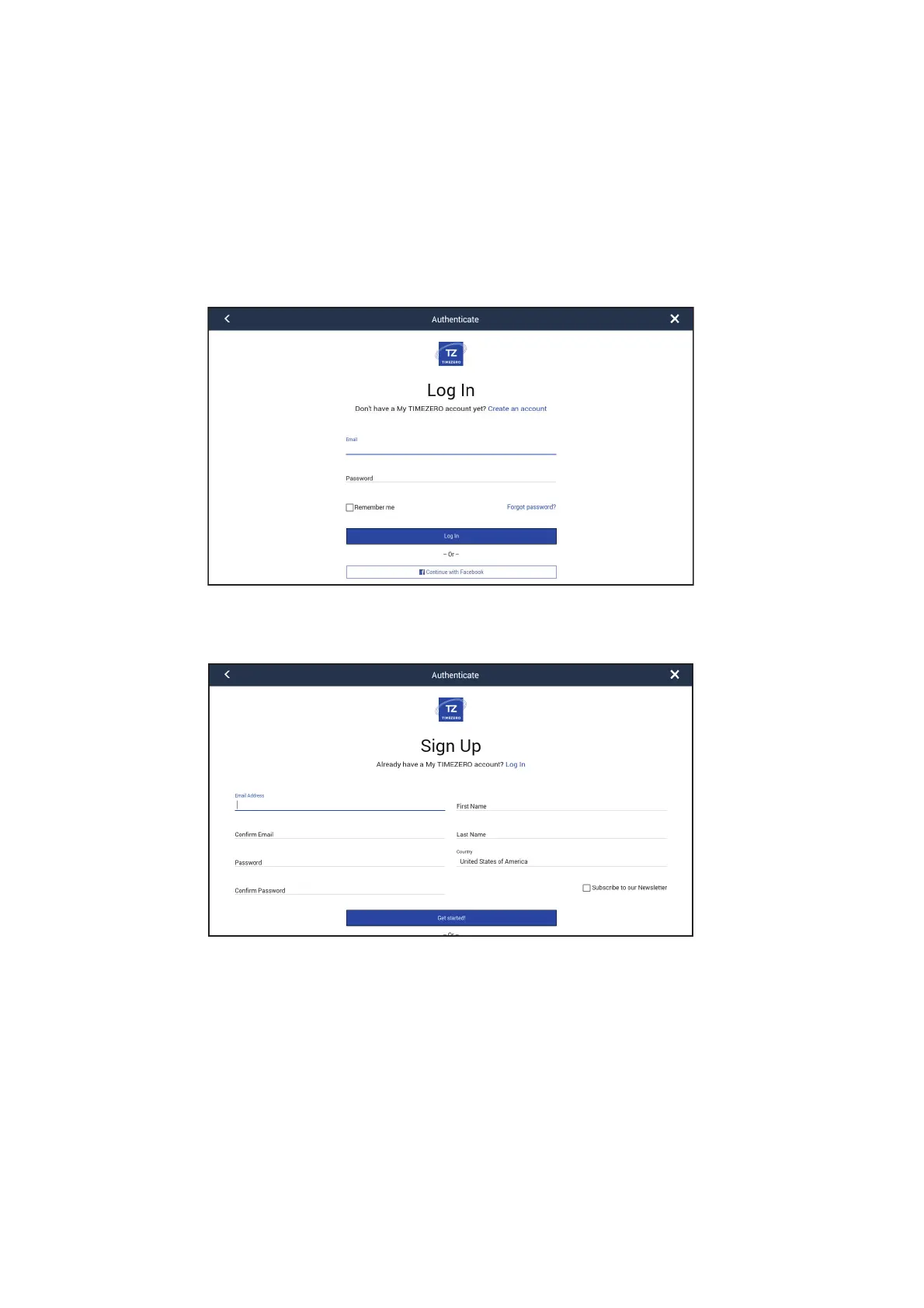
1. Connect your Multi-Function Display to the internet. See section 1.18.
2. Open the [Settings]-[General] menu, then select [Login] in the [SOCIAL NET-
WORK] section.
Note: You can also login with your Facebook account.
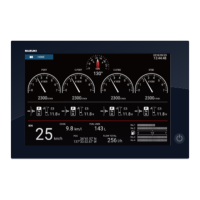
3. Tap [Create an account].
4. Fill in all fields. Check the checkbox if you want to subscribe to the Newsletter.


 To Next Page