1. SYSTEM INTRODUCTION
1-39
5. Click [Get started!] to finish.
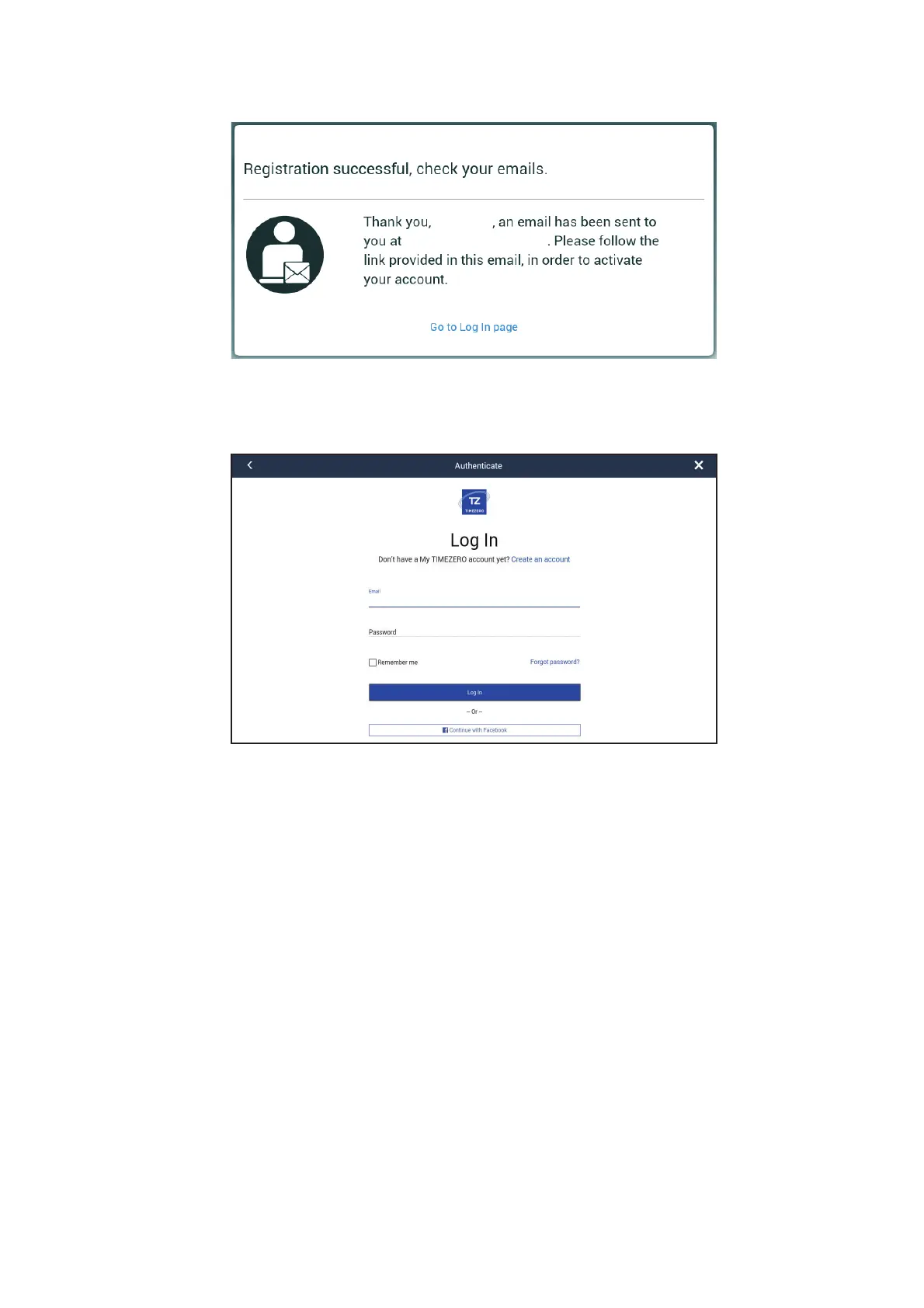
6. From a PC or mobile device, follow the link provided in the e-mail to log into your
account. Leave the Multi-Function Display as is.
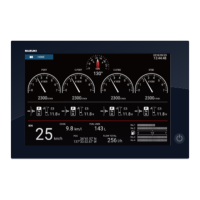
7. Tap [Go to Log in page] on this equipment.
8. Enter the e-mail address used to register the account, and your password.
9. Tap [Log in].
The name used to create the account appears in the [Logged As] field. The Status bar
shows (in yellow) "You are logged as (your name)" and several beeps sound.
Your name
Your e-mail address


 To Next Page