2. ENGINE DISPLAY
2-27
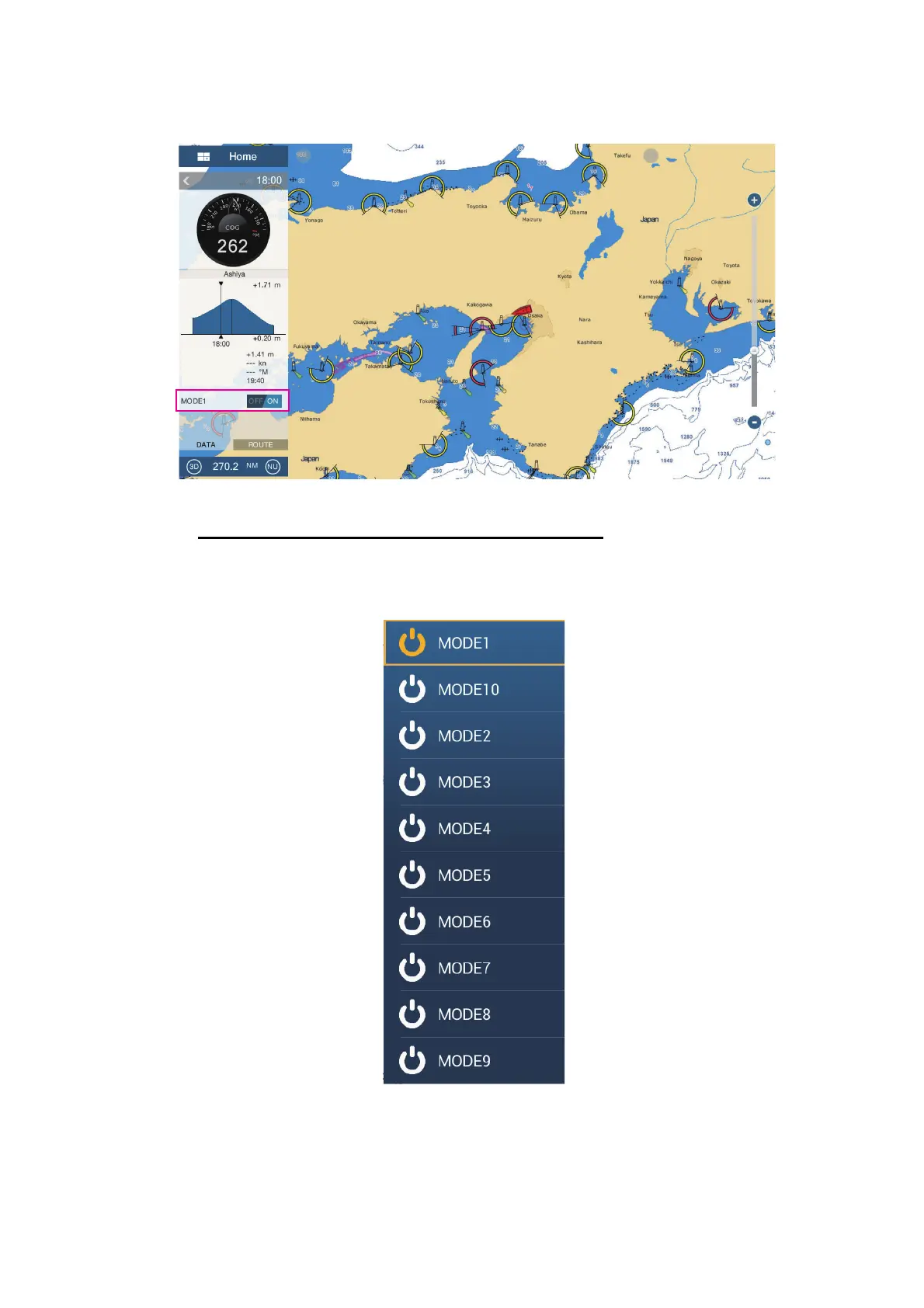
3. Tap the display mode to add. The selected item appears at the bottom of the data
area.
4. Tap the added item to control corresponding CZone device.
Display and operations from the slide-out menu
1. Open the slide-out menu.
2. Tap [CZone Modes] to show the following menu.
3. Tap the mode to use.
4. Tap the X button on the title bar to close the menu.
Tide Height
Speed
Direction
Next Tide Time



 To Next Page