2. ENGINE DISPLAY
2-29
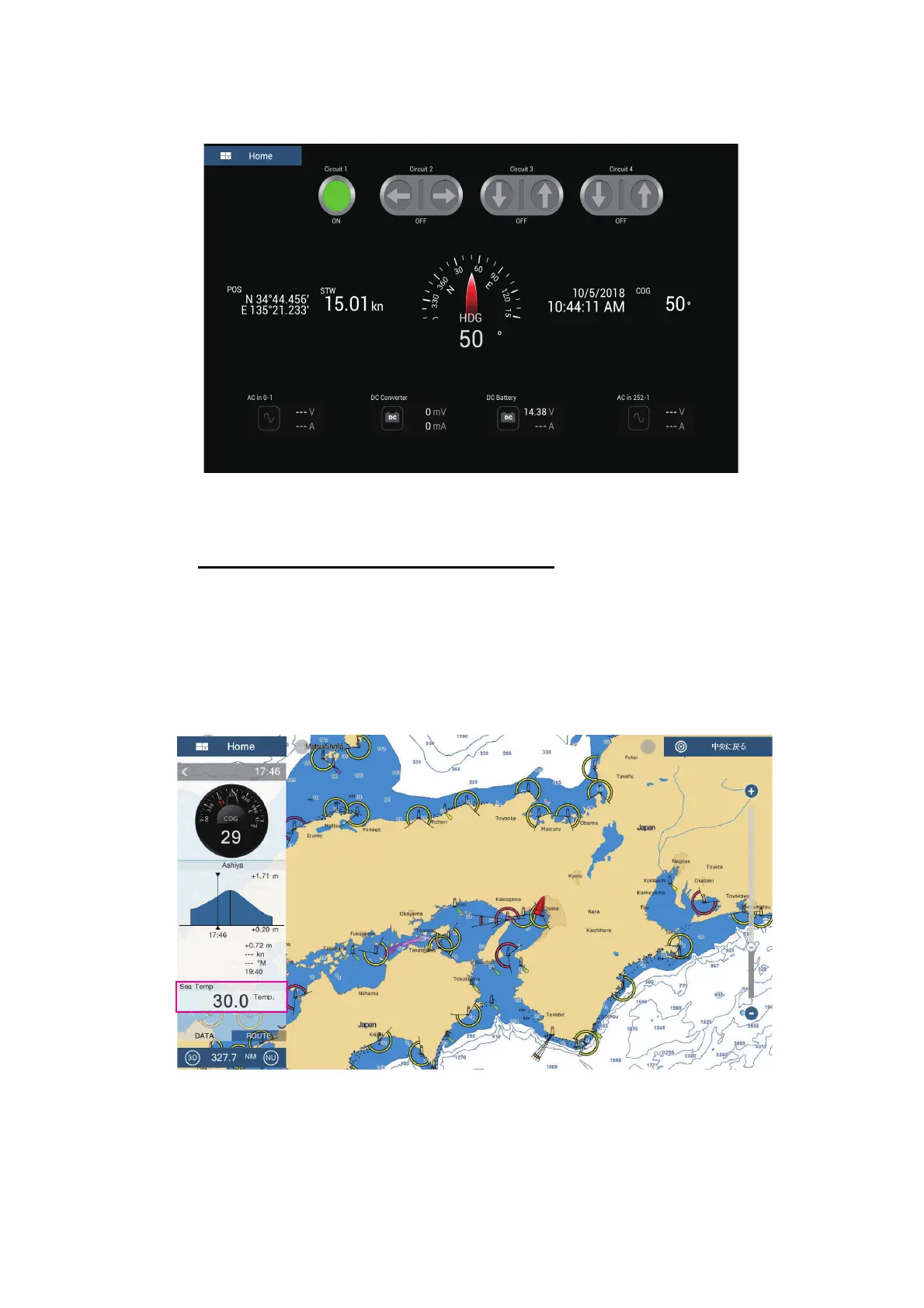
You can customize the CZone Control, CZone Modes and CZone monitoring
screens. See section 2.2.3.
Customized screen (example)
4. Tap the X button on the title bar to close the menu.
Display and operations from the data area
1. Show the data area.
2. Tap a vacant area in the data area to show the [Add Nav Data] menu.
3. Tap the display mode to add. The selected item appears at the bottom of the data
area. In the example below, water temperature data is shown. To add or delete
data, see section 1.9.2 (add data) or section 1.9.4 (delete data).
Tide Height
Speed
Direction
Next Tide Time
Deg (F)



 To Next Page