SV 104 USER'S MANUAL_DRAFT_______________________________________________
_
61
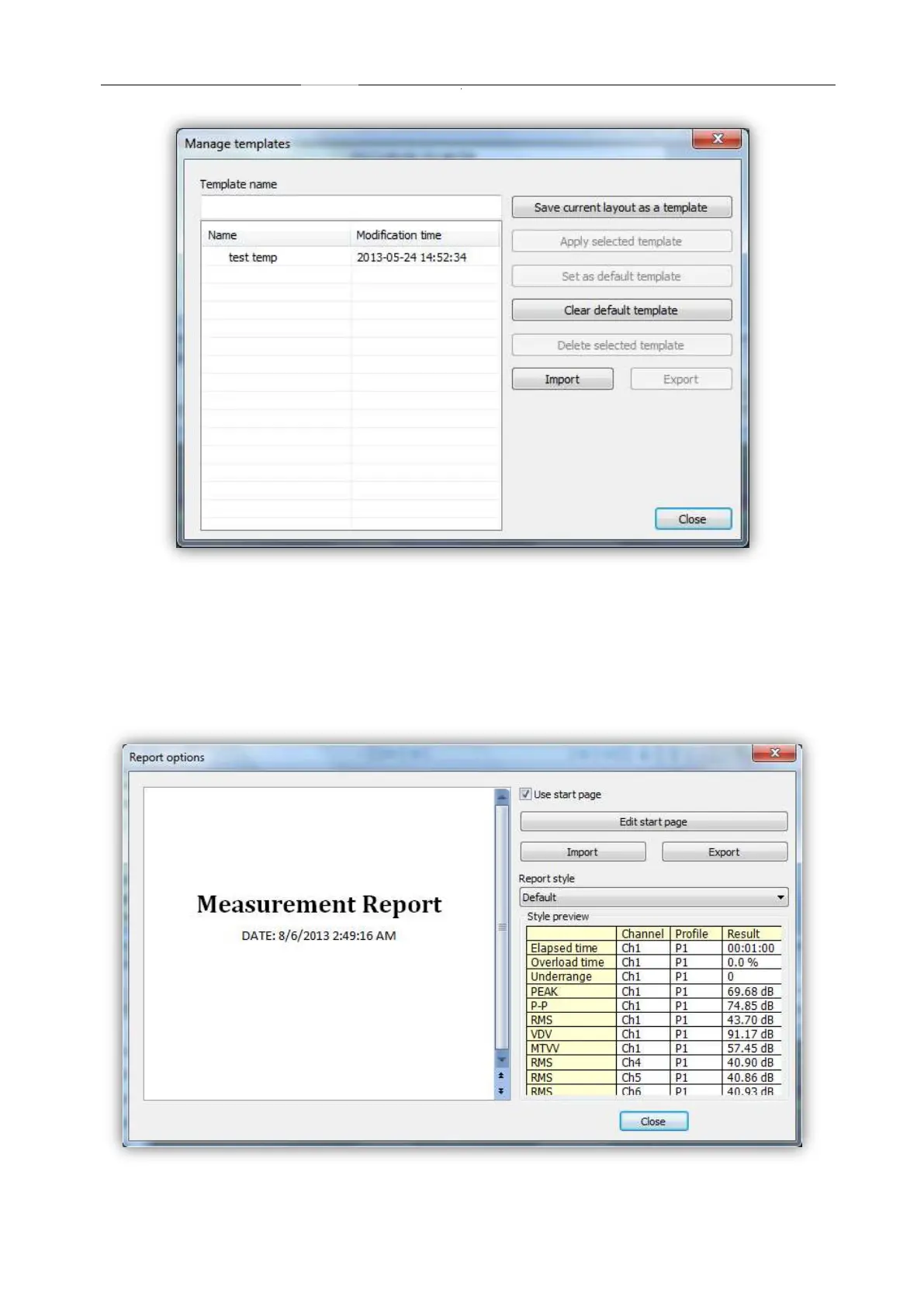
Figure 5-24 Managing templates with SUPERVISOR
5.6.1 Report panels
See the following panels, then configure, and generate report.
Report options: With “Report options” window it is very straightforward to edit basic report
information and predefined graphics, colour and style.
Figure 5-25 SUPERVISOR Report Options


 To Next Page
 Loading...











