GB.COMPACTUT.170622
Registered design. The company reserves the right to make design changes without prior notice.
16 www.swegon.com
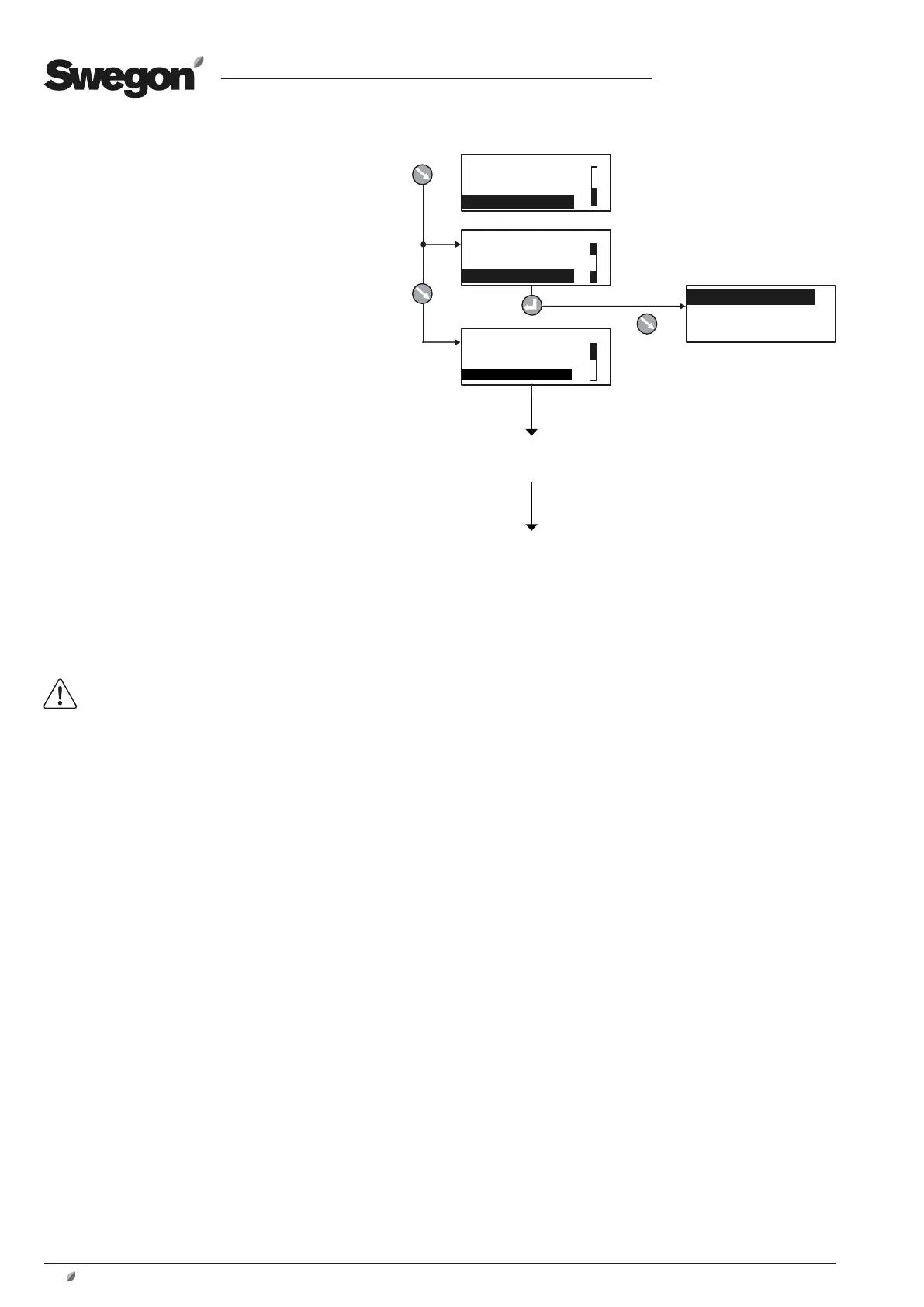
COMPACT-U TUE14:40
STOP
MANUAL OPERATION
STOP?
COMPACT-U TUE14:40
MANUAL OPERATION
STOP?
MAN/AUTO.OP
AUTO OPERATION
MANUAL LOW SPEED
MANUAL HIGH SPEED
COMPACT-U TUE14:40
STOP?
MAN/AUTO.OP
SETTINGS
USER LEVEL
INSTALLATION LEVEL
6 MAIN MENU
6.1 General
The main menu is normally shown if no other menu
has been selected.
The display automatically returns to the main menu
after 30 minutes.
The content in the menu changes depending on the
operating mode selected other functions that affect
the present operating mode and possible tripped
alarms.
6.2 Selection of Language
When the air handling unit is started up for the first
time, a language selection menu is displayed.
Select the language desired.
If you want to change language at a later oppor-
tunity – or if you’ve selected the wrong language
– you can change the language at INSTALLATION
LEVEL under HAND TERMINAL. See Section 14.1.
6.3 Changing Operating Mode
You can start and stop the air handling unit or
change over to manual or automatic operation
from the main menu.
The air handling unit should normally be
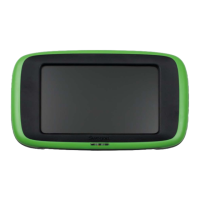
started and stopped from the hand-held
micro terminal; not by switching the safety
isolating switch on and off.
When the air handling unit is started up, menus
for the various delays that are part of the starting
sequence are shown.
See also Section 10.1.1, Starting Sequence.
6.4 Settings
When selecting SETTINGS in the main menu, you
will advance to User Level and Installation Level.
See Section 7.






 To Next Page