User menu Page 13/33
Programming instructions SYCLOPE ODISEA
®
6) Maintenance of the device
This function can be used to perform maintenance of the device. It is possible to simulate all the inputs
and outputs of the central unit in order to test their correct operation. This function can only be
performed once it has been activated in the Specialist Level.
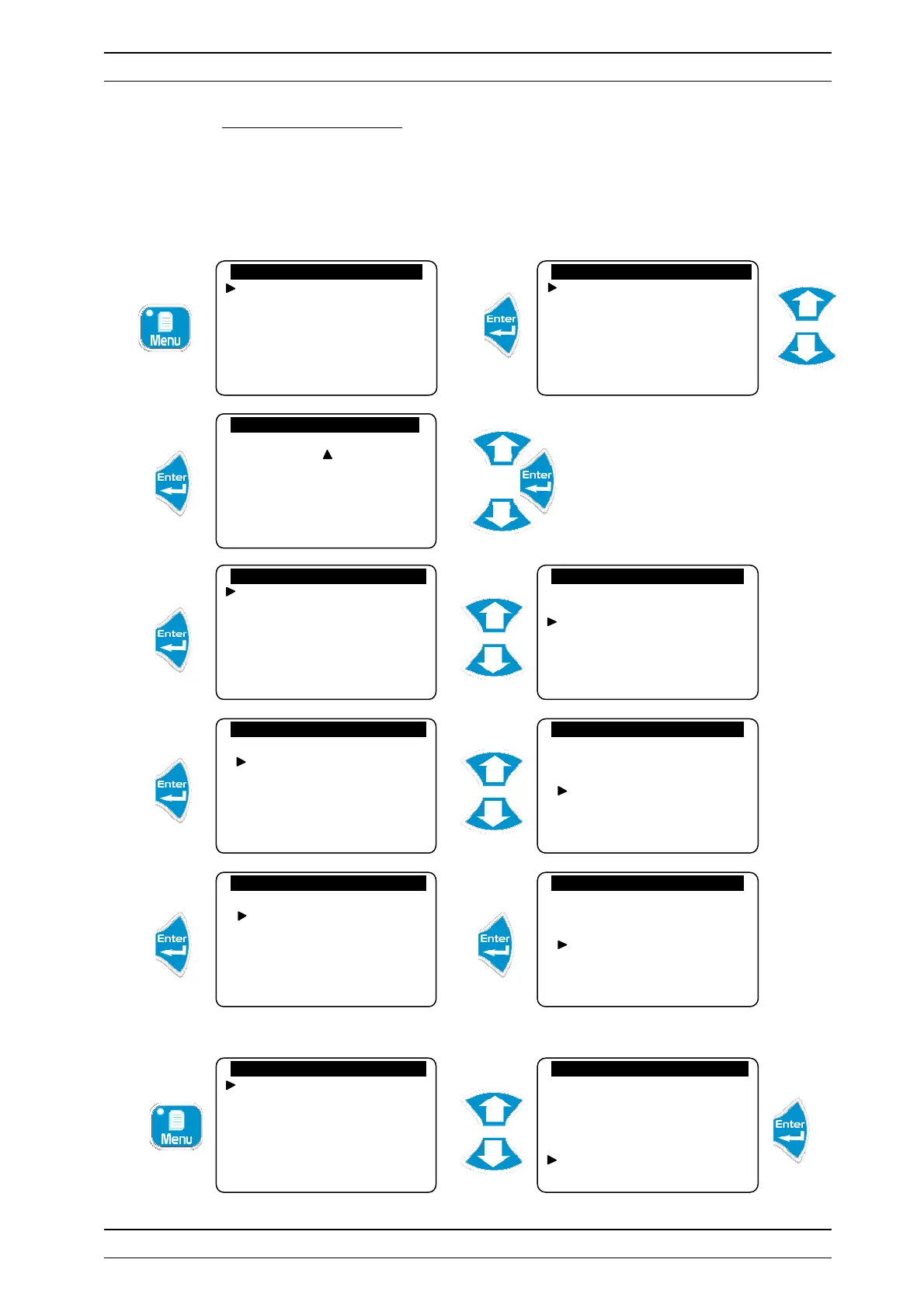
To unblock the maintenance of the controller:
Enter the code 1234
a) LEDs
Events
Alarms
Data
Printer outputs
Reset histories
Specialist level
Technician code
System date
Setting(s)
Calibrations
General timers
Analogue outputs
Factory Code
Configurations
Initializations
Version: 3.01
Factory Code
Configurations
Initializations
Version: 3.01
Initializations
Factory reset
Modem
Maintenance management
Device number
Initializations
Factory reset
Modem
Maintenance management
Device number
Maintenance management
Activation…
Inactivation…
Initializations
Factory reset
Modem
Maintenance management
Device number
Access code : 0 . . .
Technician level
Langue/Language/…
Set the time
Displays
Histories
Technician level
Language
Set the time
Displays
Histories
Maintenance


 To Next Page