Technician Menu Page 23/33
Programming instructions SYCLOPE ODISEA
®
In flow meter mode, the user must first activate the meter input in the configuration
management of the specialist level (see Chapter VII Paragraph 2: Meter input)
To manage the flocculant, the user must program an available relay of the central unit in
order to activate the flocculant pump (see Chapter VII Paragraph 2: Prog. relays).
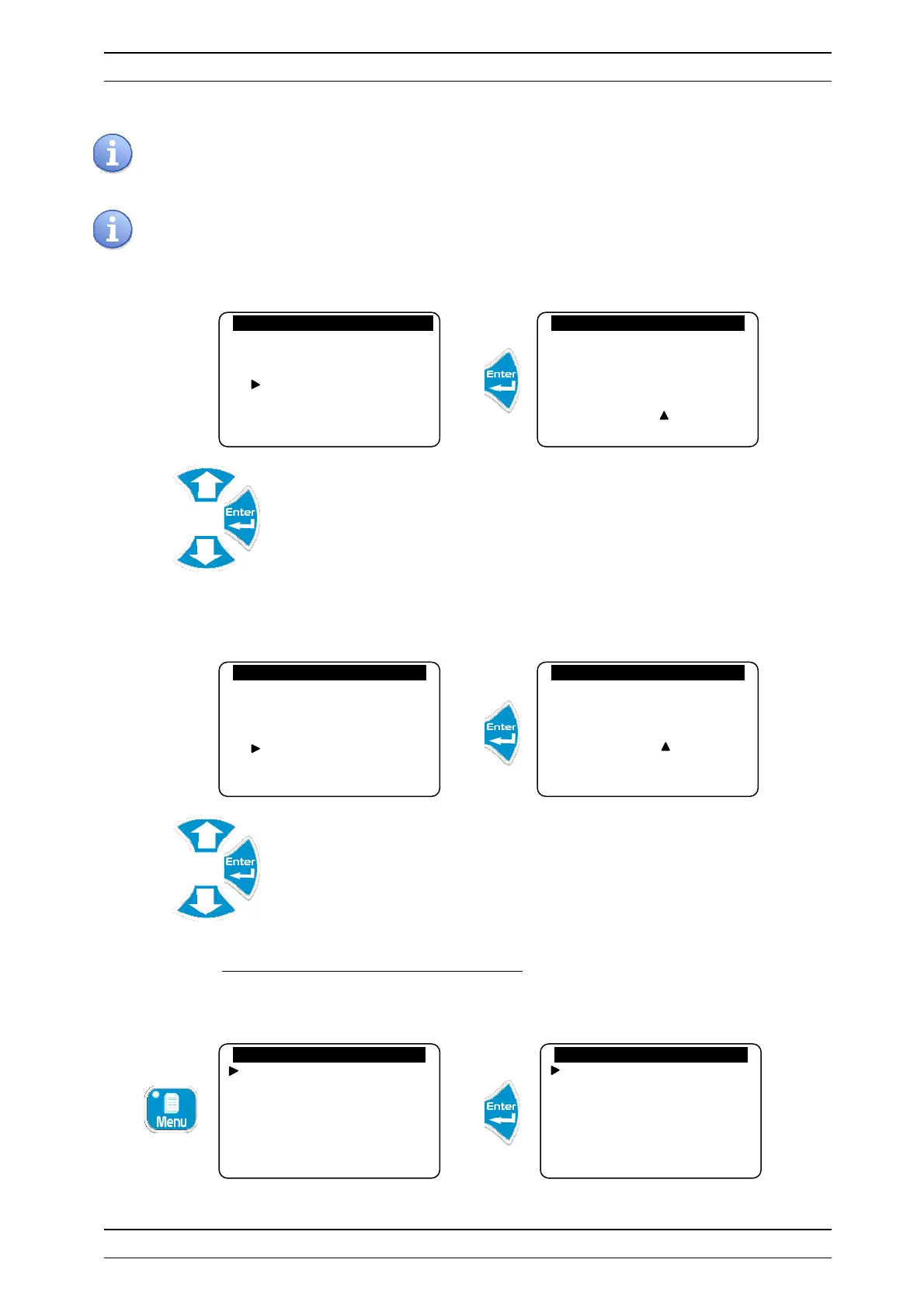
c) Printing
Allows you to define the printer printing rate.
Adjust the printing rate
d) Recording rate
Allows you to define the log recording rate.
Adjust the recording rate
7) Programming the scale of analogue outputs
Allows you to define the scales (bottom and top) of the analogue outputs.
Technician level
Langue/Language/…
Set the time
Displays
Histories
Specialist level
Technician code
System date
Setting(s)
Calibrations
General timers
Analogue outputs
General timers
Filtering
Flocculant
Printing
Storage rate
Printer output
Printing delay: 000 min
General timers
Filtering
Flocculant
Printing
Storage rate
Storage rate
Rate……..: 030 min


 To Next Page