13. BODY COVER
13-12
Floor panel
Remove
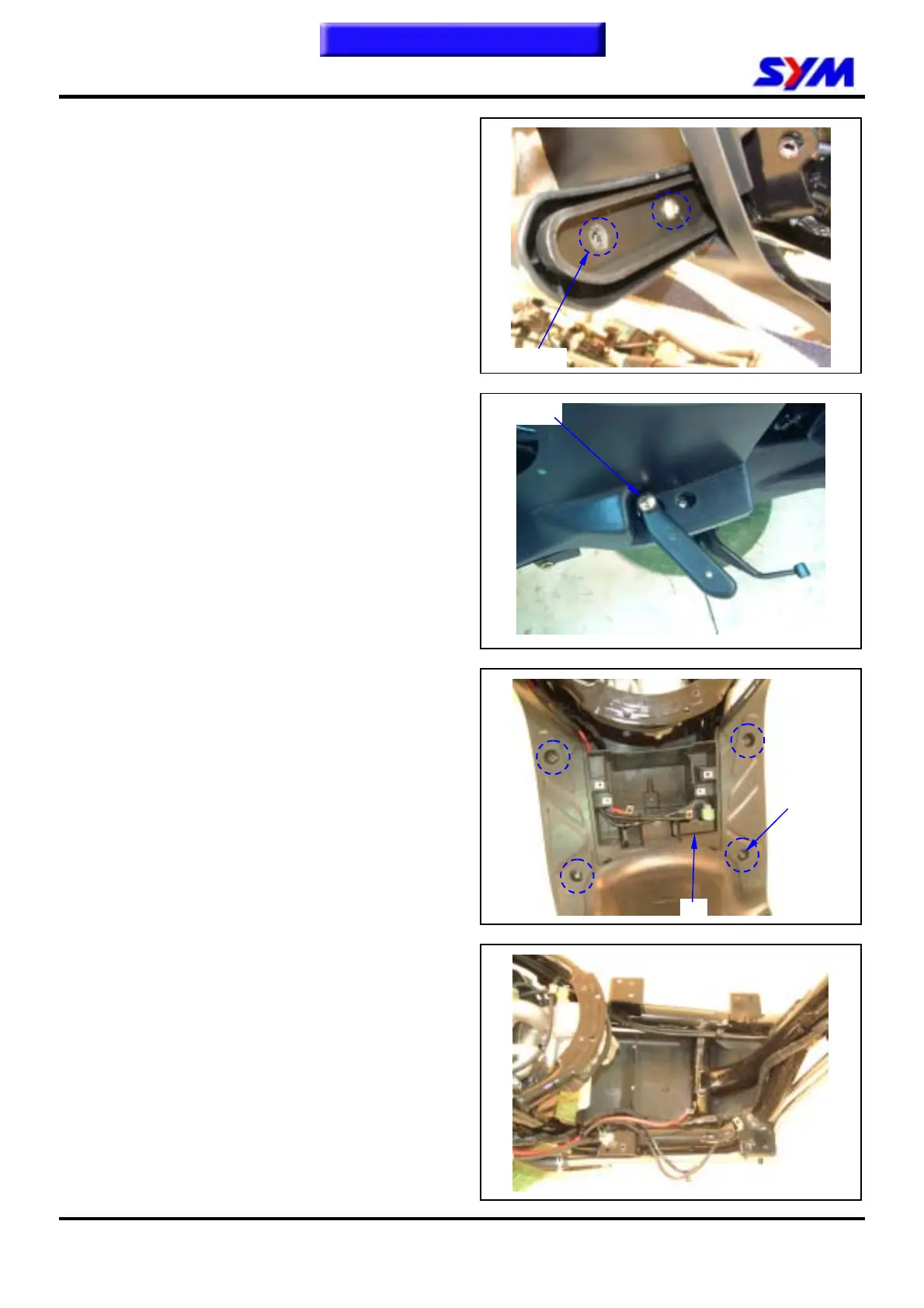
Loosen 4 screws from the right & left step bar.
Remove the right & left step bar covers.
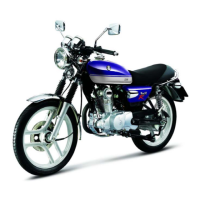
Loosen 2 screws from the right & left step bar, and
then remove step bars.
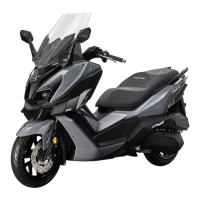
Remove the battery and CDI.
Loosen 4 bolts from the floor panel.
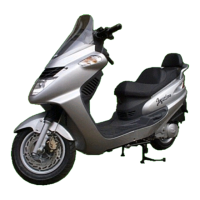
Remove the floor panel.
Installation
Install in reverse order of removal procedures.
4 screws
2 bolts
4 bolts
CDI
To this chapter contents


 To Next Page