8. V-BELT DRIVING SYSTEM/KICK STARTER
8-3
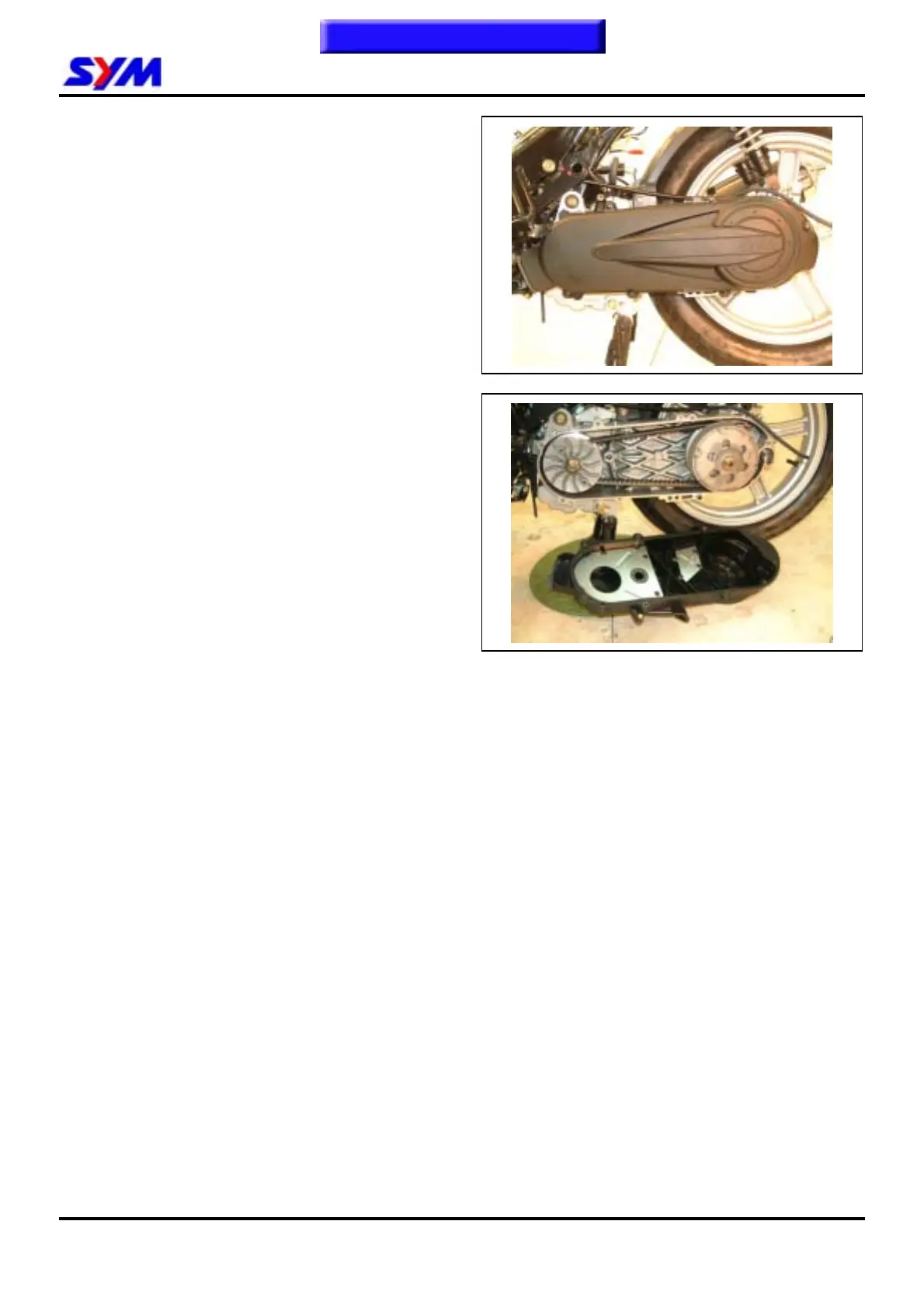
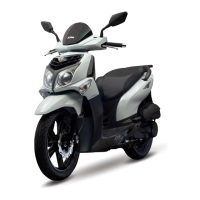
Left Crankcase Cover
Left crankcase cover removal
Remove body cover.
Remove air cleaner. (2 bolts)
Remove L crankcase cover. (7 bolts)
Left crankcase cover install
Install left crankcase cover in the reverse
procedures of removal.
To this chapter contents


 To Next Page