How to Replace Hard Disk Backplane for 8 bay/5 bay DiskStation
Page 25 of 39
Date: 2014/4/11
Issued by: Hardware Development Group, Synology
®
Inc.
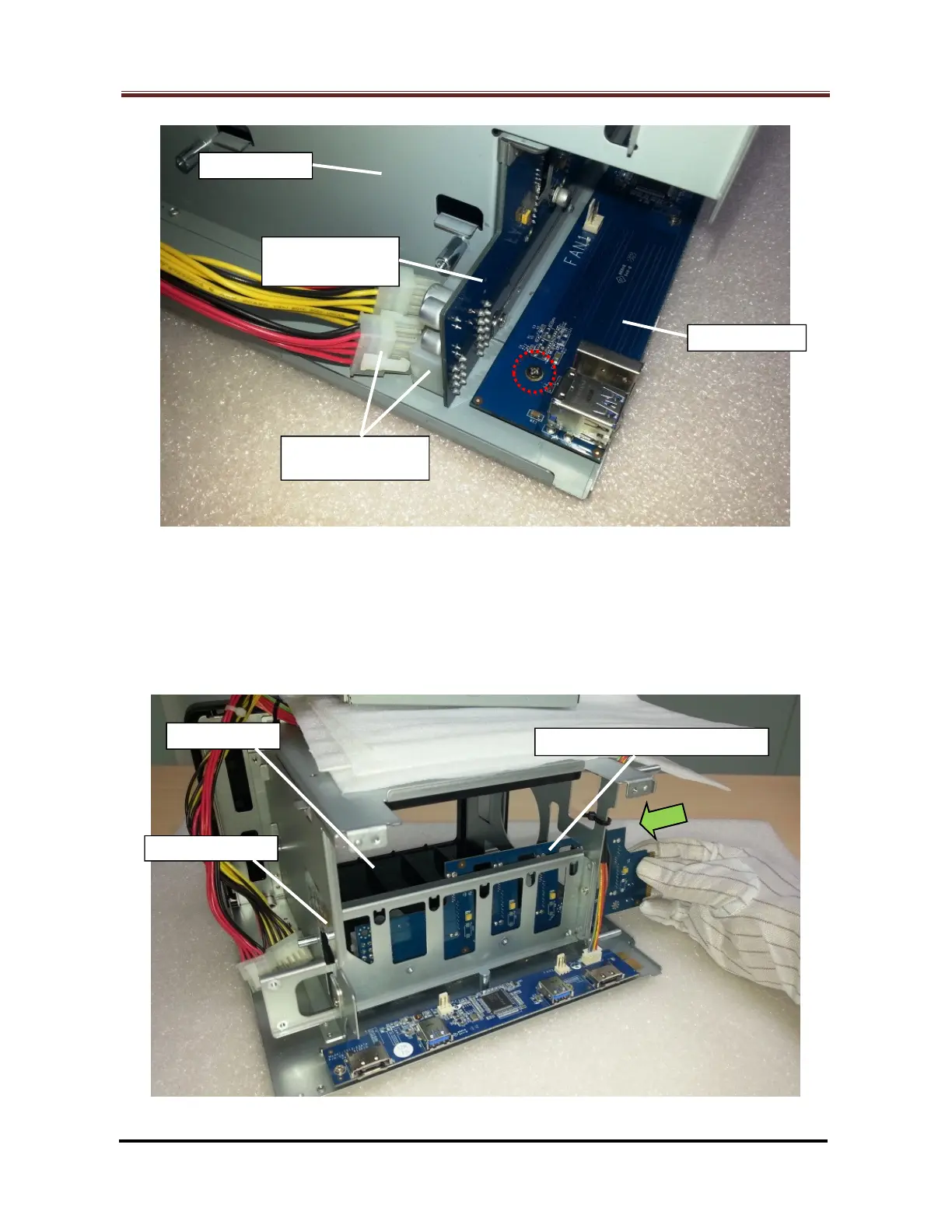
Fig. 40
2.2.2 For DS1513+, DS1512+, DS1511+, DX513 and DX510:
Insert the replacement HDD backplane to the same location of the defective
one in the enclosure. (Fig. 41) Do not damage the aluminum foil pasted on the
HDD chassis when moving the backplane.
Fig. 41
HDD Backplane







 To Next Page