Chapter 2 Basic Operations
CS-5100 LAS Instructions for Use
Revised October 2014
2-2
2.3 Disconnecting the LAS
Follow the procedure below to disconnect the CS-5100 and LAS before analyzing a sample with CS-5100 by itself
without any LAS connection, replacing the reagent, or discarding the waste fluid from the instrument.
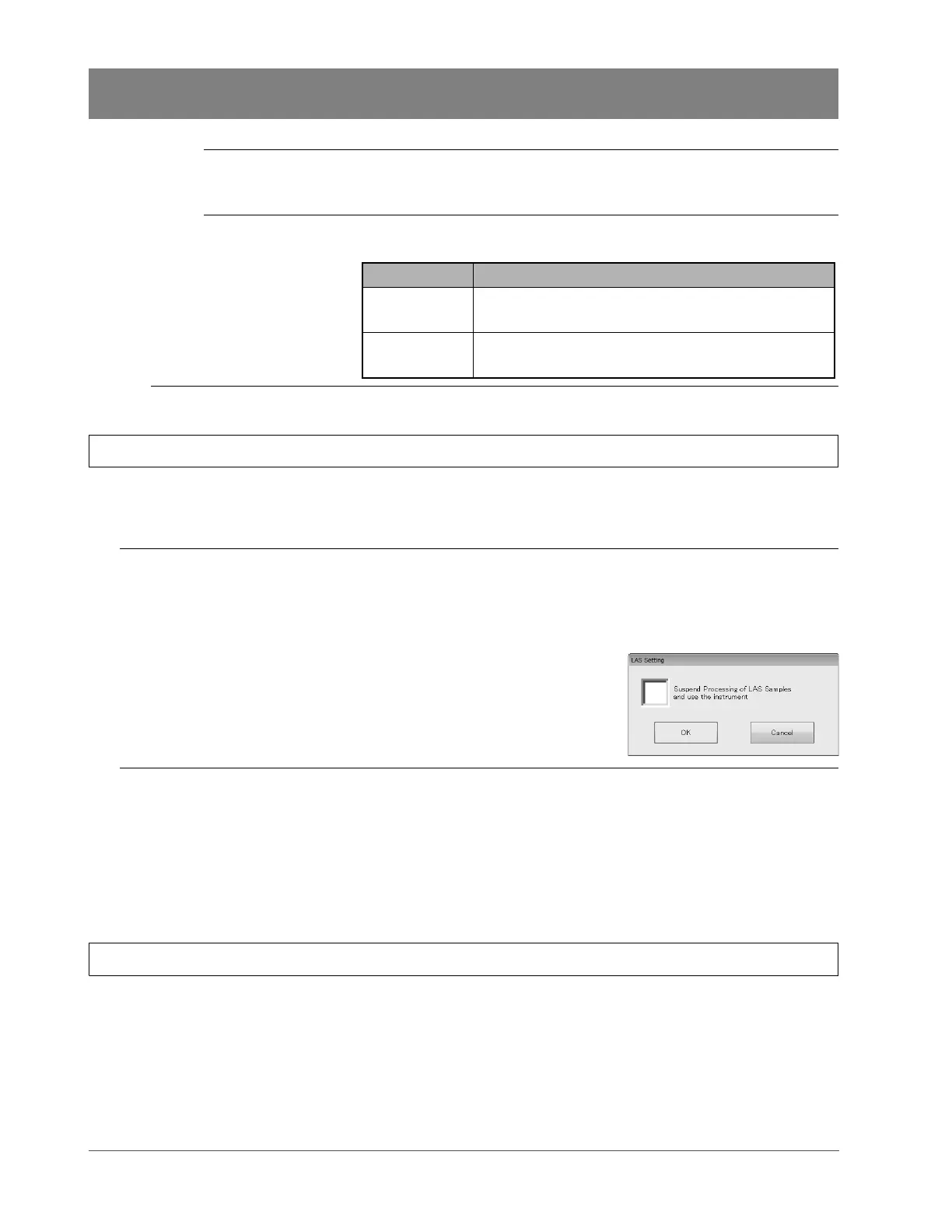
1 On the IPU status bar, press the LAS setting button of the LAS connection
status display.
(➤ P.2- 1 “Chapter 2: 2.2 Checking the LAS connection status”)
The dialog box on the right appears.
2
Tick the [Suspend Processing of LAS Samples and use the instrument] check
box and press [OK].
The CS-5100 and the LAS are now disconnected and the dialog box closes.
* To reconnect the CS-5100 and the LAS, remove the [Suspend Processing of LAS Samples and use the
instrument] checkbox in the same dialog box and press [OK].
2.4 Shutting down
To shut down the instrument properly, refer to the procedures described in the CS-5100 Instructions for Use.
(➤ CS-5100 Instructions for Use “Chapter 3: 3.4.6 Shutdown”)
LAS setting button Disconnects or reconnects the connection between the CS-5100 and the
LAS.
(➤ P. 2 - 2 “Chapter 2: 2.3 Disconnecting the LAS”)
Instrument control
status
Lights orange or turns OFF depending on the control status of the
instrument.
Indicator Control status
Lit • The analysis of the sample on the tracks is disabled.
• The LAS is disconnected by the LAS setting button.
OFF The instrument is ready to analyze a sample on the
tracks.



 To Next Page