Chapter 2 Basic Operations
CS-5100 LAS Instructions for Use
Revised October 2014
2-1
Chapter 2 Basic Operations
This chapter explains what you need to know before operating the instrument and the basic operations.
2.1 Turning ON the power
Follow the procedure below to turn ON the power of this instrument (steps 1 and 2 may be reversed).
1 Turn ON the power of the CS-5100.
(➤ CS-5100 Instructions for Use “Chapter 3: 3.4.4 Turning ON the power”)
2
Turn the LAS power ON.
The method to turn the LAS power ON differs depending on the instrument you use.
For details, see the LAS manual.
2.2 Checking the LAS connection status
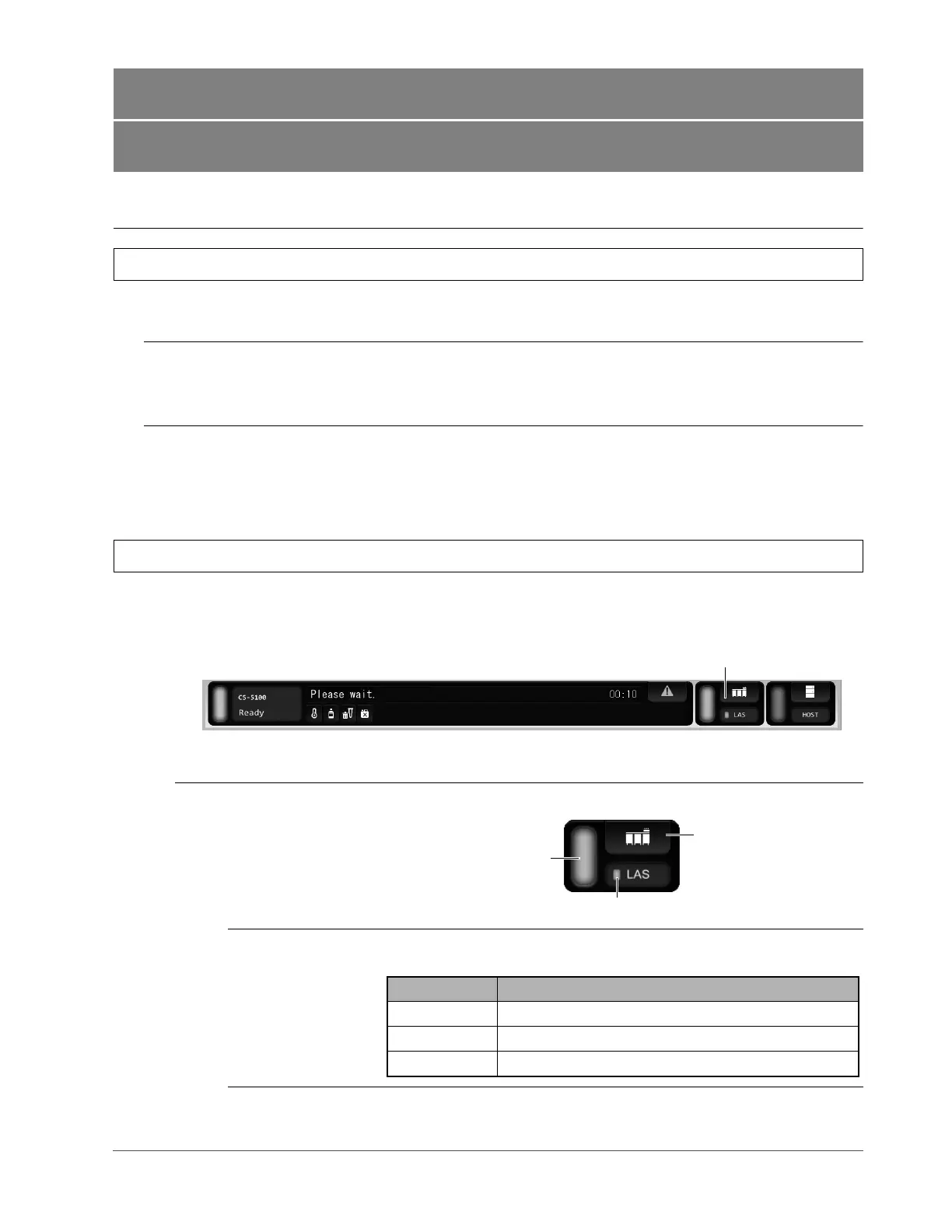
After the power is turned ON, the status bar on the IPU indicates the connection status between the CS-5100 and the
LAS.
LAS connection status
display
Displays the connection status between the CS-5100 and the LAS.
Communication
status
Displays the communication status between the CS-5100 and the LAS by
color.
LAS connection status display
Status bar
Instrument control status
Communication status
LAS setting button
Color Communication status
Green Connecting
Red Communication error
Gray The power of CS-5100 or LAS is turned OFF.



 To Next Page