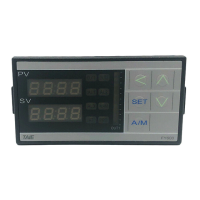
13 FY operation manual
6.2 FA Series
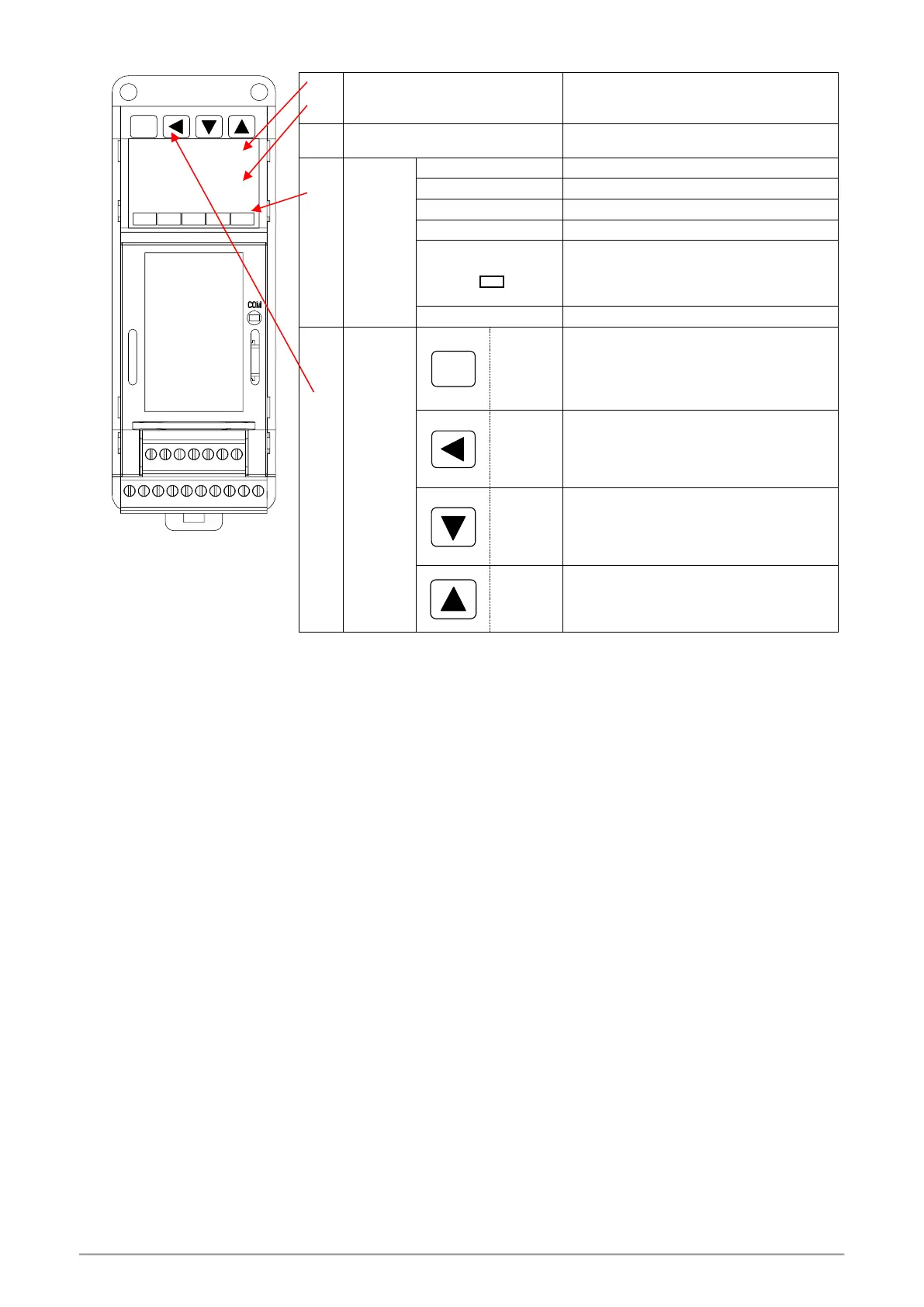
OUT1 OUT2 AL1 AL2
FA230 TAIE
8.8.8.8
8.8.8.8
SET
Indicating PV (measured value) and character
information such as parameter codes or error
codes(Red)
Indicating SV (target set value) or parameter
values(Green)
Lamp lit when OUT1 is activated ( Green )
Lamp lit when OUT2 is activated ( Green )
Lamp lit when Alarm 1 is activated (Red)
Lamp lit when Alarm 2 is activated (Red)
1. Lamp lit when Auto-tuning is activated
(Orange)
2. When the program is executed, this light is
on (orange)
Lights when controller response data (Orange)
For parameter call-up and set value
registration
Shift digits when changing settings


 To Next Page
 Loading...