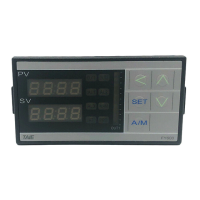
25 FY operation manual
9.5 Controlling With ON/OFF Action
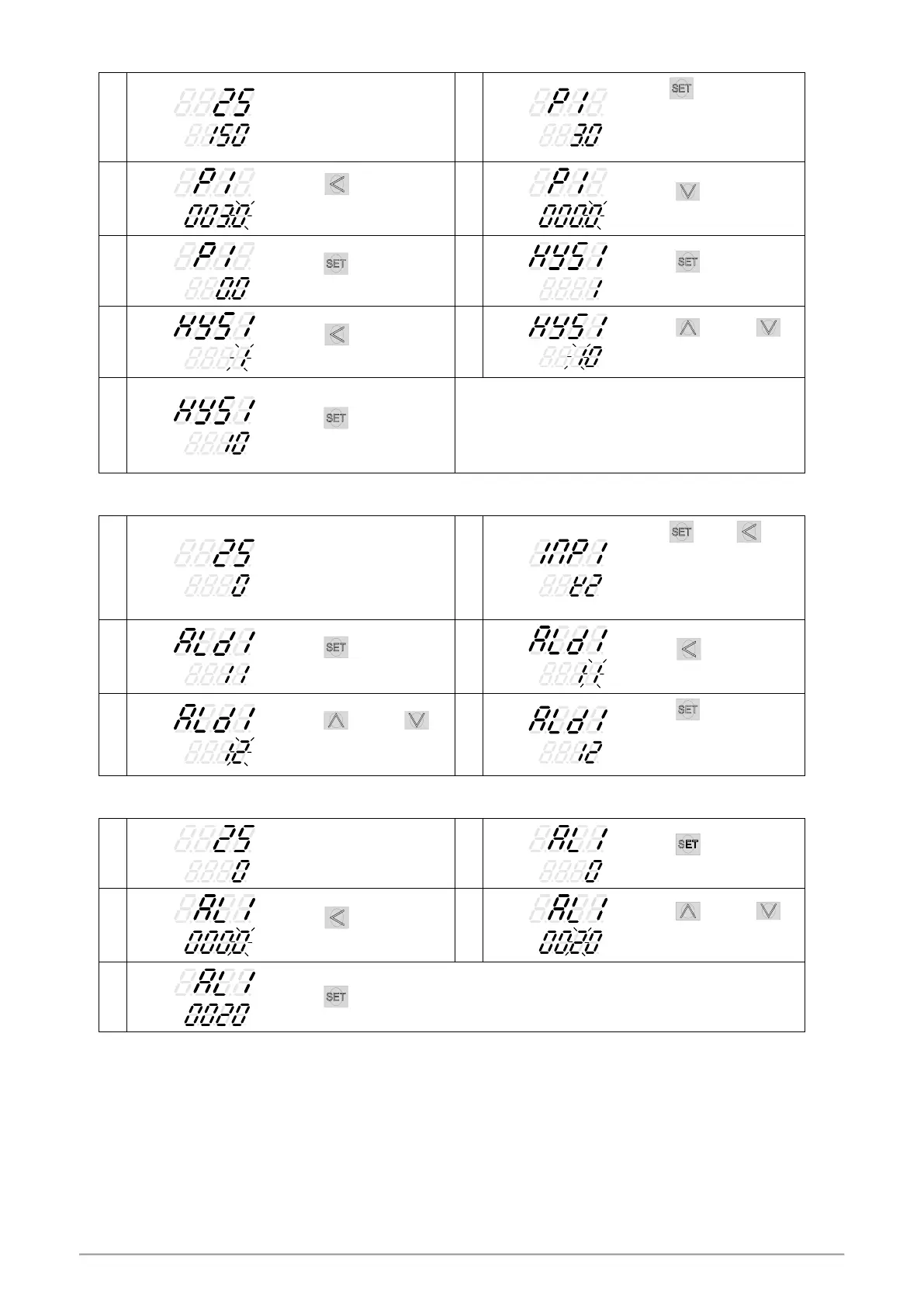
Hold key 3 seconds,
then entering into LEVEL_2,
as upper display shows
“P1”, with lower display
showing current P1 value.
When key is pressed,
the lower display flashes,
upper display.
Press key to store new
value.
Press
key until show
“HYS1”
。
When key is pressed,
the lower display flashes.
Press key and
key to set the intended
HYS1 value.
Press key to store new
value.
Heat mode formula:
PV ≥ (SV + HYS1) OUT1 OFF
PV ≤ (SV - HYS1) OUT1 ON
Cool mode formula:
PV ≥ (SV + HYS1) OUT1 ON
PV ≤ (SV - HYS1) OUT1 OFF
9.6 Alarm Mode Setting
Hold key + key
3 seconds, then entering
into LEVEL_3 upper display
showing “INP1” with lower
display showing current
input type.
Press
key until show
“ALD1”
。
When
key is pressed,
the lower display flashes
Press key and
key to set the intended ALD1
value.
Press key to store
new value of ALD1.
※
Please refer to ch12.1
Alarm mode.
9.7 Alarm Value Setting
Press
key until show
“AL1”
。
When key is pressed,
the lower display flashes.
Press key and
key to set the intended AL1
value.
Press key to store new value of AL1.



 To Next Page
 Loading...