ADDING IP PHONES TO TALKSWITCH 19
ADDING TALKSWITCH TS-850i AND TS-860i IP PHONES (United States
and Canada only)
Installing the base
1. Install the TS-850i or TS-860i base according to the instructions in the TS-850i and TS-860i
Start Guide.
2. Connect the Ethernet cable from the WAN port on the base to a LAN port on your router or
Ethernet switch. The TalkSwitch unit must be connected to the same LAN.
3. Install the TS-850i or TS-860i handset(s) and allow them to register with the base, according
to the instructions in the TS-850i and TS-860i Start Guide.
Configuring the TS-850i or TS-860i as an IP extension
After installing the TS-850i or TS-860i, configure your phone as an IP extension. The phone can
be located within the office, or outside the office (i.e. as an external IP extension).
Before configuring a phone, ensure that no handsets registered with the associated base are
being used. If a handset is on a call, the call will be terminated when the system resets the base
during configuration of the phone.
NOTE: The TS-850i requires version 6.11 or greater of the TalkSwitch Management software. The
TS-860i requires version 6.50 or greater.
Configuring the TS-850i or TS-860i for use within the office
If the TS-850i or TS-860i is located within the office, it connects to your TalkSwitch system over
the local area network (LAN).
1. Launch the TalkSwitch management software.
2. Select the Local Extensions/Fax page.
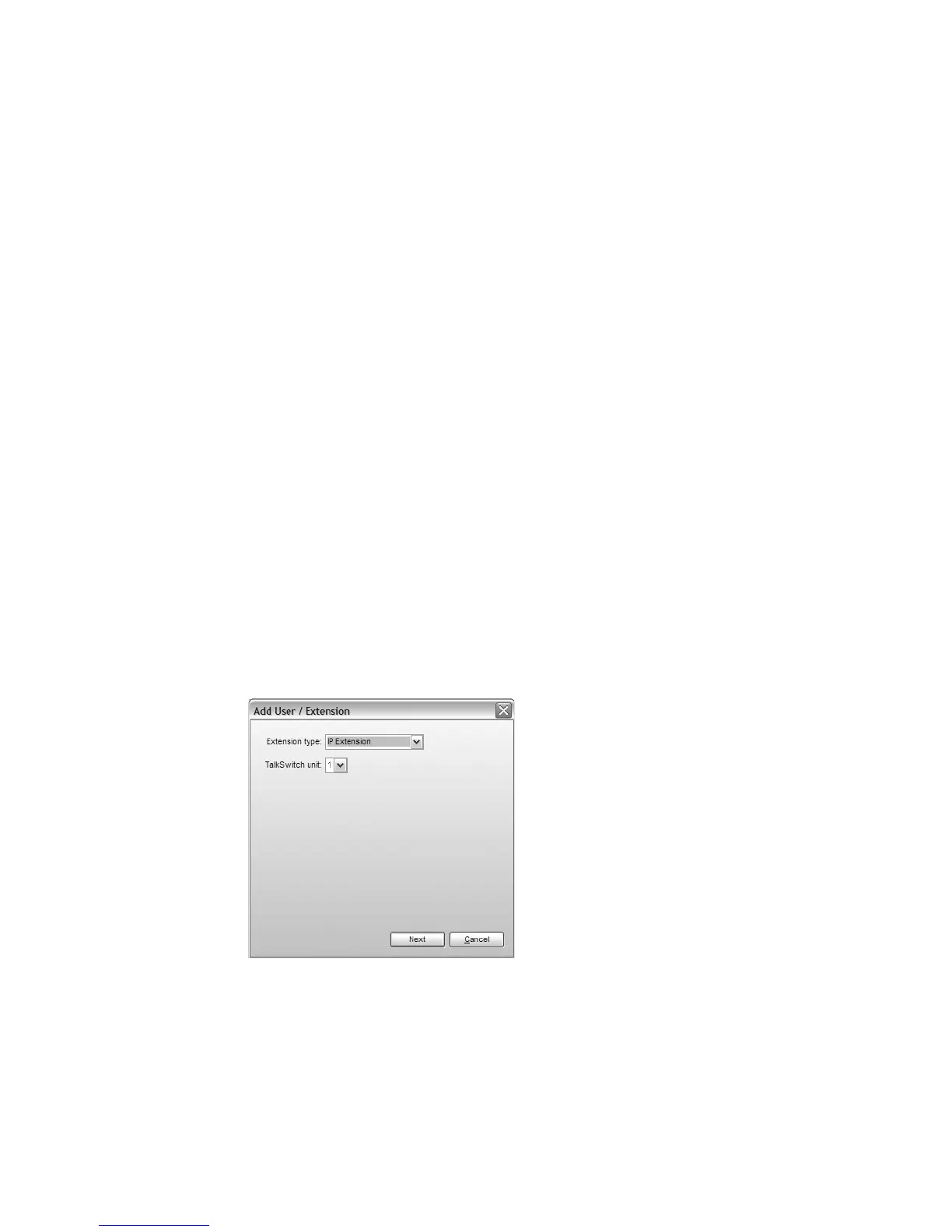
3. Click the Add button. The Add User / Extension window appears.
4. Set the Extension type to IP Extension.
5. In a multi-unit system, select the TalkSwitch unit the extension will be associated with. This
unit will hold the voicemail for the extension. Click Next.



 To Next Page