ADDING IP PHONES TO TALKSWITCH 21
10. Click Finish.
11. In the Extension tab, select the language for prompts heard by the user of the extension in
the System Prompt Language list. Setting the prompt language will also change the language
for text displayed on the phone itself.
12. Choose File > Save. The system will create a configuration file that the phone will download
when the phone is restarted.
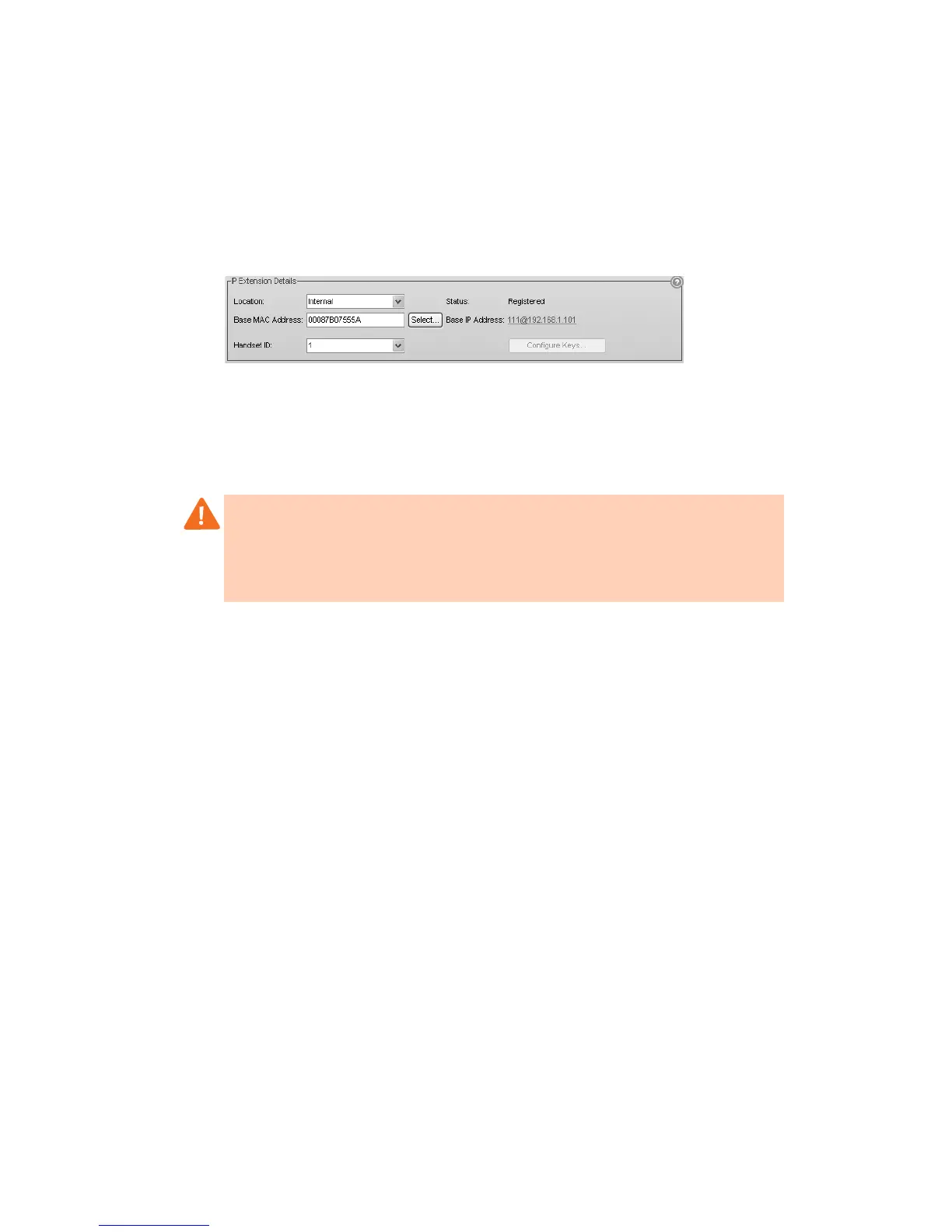
IP extension details area
1. Set the Location. Choices are:
• Internal — The phone is an internal IP extension located within the office, and is
connected to the same LAN as the TalkSwitch unit.
• External — The phone is an external IP extension located outside the office, and is
connected to the TalkSwitch unit over the internet. See External IP extensions on page 2
2. If you set Location to External, select the Time Zone that matches the location of the
IP phone.
3. Select the Handset ID for the extension. Use the handset name as shown on the
handset screen.
4. After configuring the extensions, choose File > Save. The TalkSwitch system will
automatically configure each handset.
Programming the TalkSwitch TS-850i or TS-860i IP phone as an external IP extension
If you are setting up an external IP extension, you must ensure there is a communication path
over the network between your phone and your TalkSwitch systsem. See Configuring the router
on page 2.
Before configuring a phone, ensure that no handsets registered with the associated base are
being used. If a handset is on a call, the call will be terminated when the system resets the base
during configuration of the phone.
1. In Idle mode, press the OK key on the handset to access the Main menu.
2. Choose Settings, and then press the OK key.
3. Choose Network settings, and then press the OK key.
4. Select Provision server, and then press the OK key.
5. Enter the Public IP address or FQDN (fully qualified domain name) of the TalkSwitch system
as provided by your administrator. To enter a period:
Warning: Calls to an emergency service number using an external IP extension will not send
the correct address to the emergency operator. We strongly recommend that you apply a
warning label to any external IP extension stating:
If an emergency call is made from this phone, you must provide your address to the
emergency operator.



 To Next Page