USING SETUP MODE
User's Manual5-42
Table 5.6 CONFIG Items and Options (Cont.)
NOTE: Underlined options are the factory defaults.
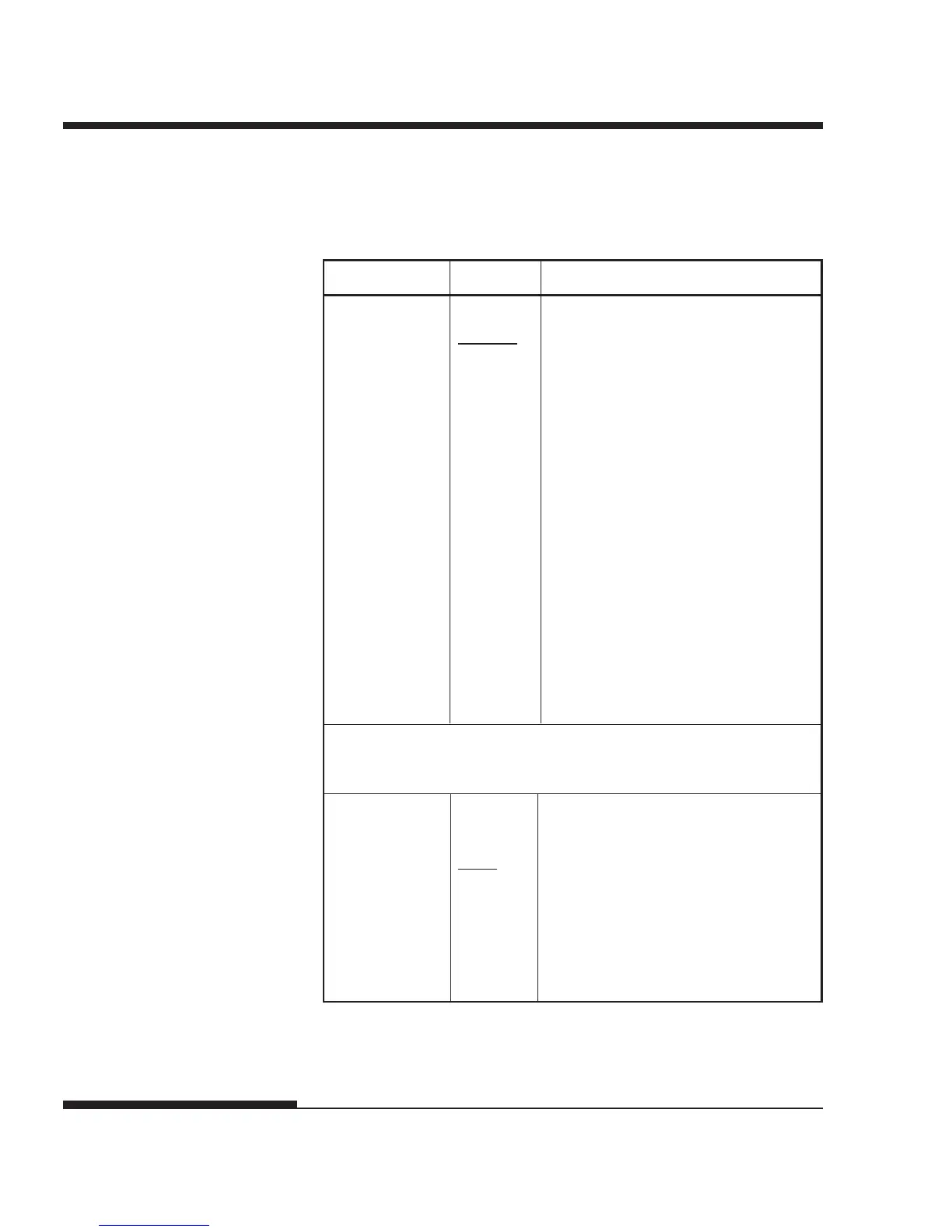
<TEARPOS> Tearoff position.
VISIBLE Select this option when your software
positions forms to the next top-of-
form after printing the last data. The
printer performs tearoff feed without
adding a form feed when data transfer
has stopped.
ALWAYS Select this option when your software
stops after printing the last data. The
printer performs tearoff feed after
adding a form feed when data transfer
has stopped.
Note: For both settings, tearoff
positioning will fail if the page
length setting does not match the
actual perforation spacing.
The following <TEAR-EN> item is printed when TEAROFF:AUTO is
specified for the <TEAROFF> item.
<TEAR-EN> Tearoff enabled time (offset time).
0 SEC The offset time is from when data
1 SEC transfer stops to when the printer
2 SEC performs automatic tearoff feed.
4 SEC If the printer receives data again
6 SEC within the offset time, the printer does
not perform automatic tearoff feed.
CONFIG Items Options Description














 To Next Page