User's Manual
PAPER HANDLING
3-9
Quick
Reference
Introduc-
tion
Setting Up
Paper
Handling
Printing
Setup Mode
Continuous forms paper, fanfolded at the horizontal perforations, is ideal for
printing rough drafts and long files. The paper is fed into the printer using the
forms tractors. The forms tractors unit at the rear of the printer pushes paper
from the rear to the platen. This is called push-tractor feeding.
Positioning the Paper Stack
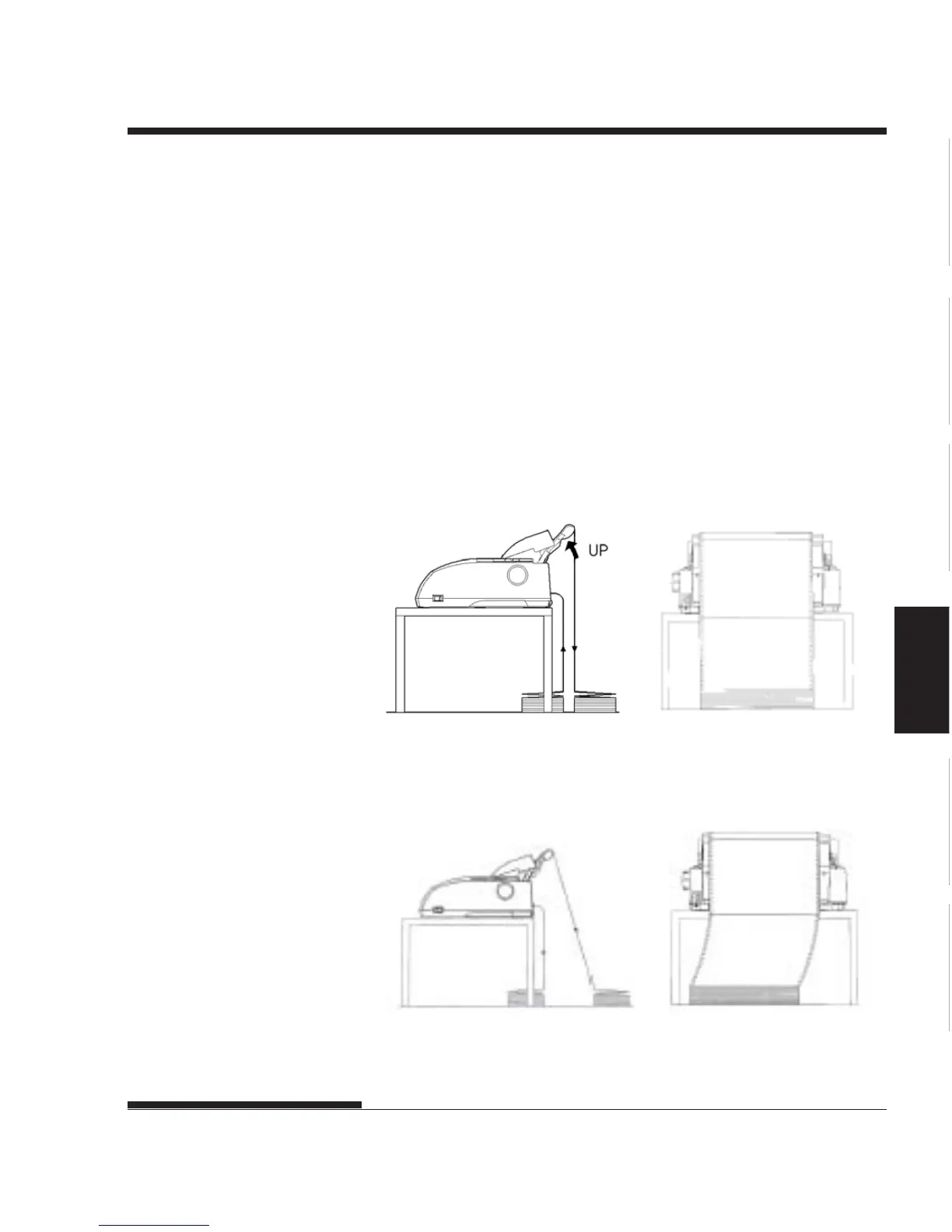
Place the stack of continuous forms paper directly below the rear of the
printer. After the paper is installed in the printer, the paper path should look
like this:
Good placement
Feed from rear slot
Bad placement
Placement of continuous forms
USING CONTINUOUS
FORMS














 To Next Page