SETTING UP
User's Manual 2-5
Quick
Reference
Introduction
Setting Up
P
aper
Handling
Printing
Setup Mode
ASSEMBLING THE PRINTER
This section explains how to install the cut sheet stand and ribbon cartridge.
Installing the Cut Sheet Stand
The cut sheet stand enables smooth feeding of both single sheets and continu-
ous forms. Install the cut sheet stand as described below:
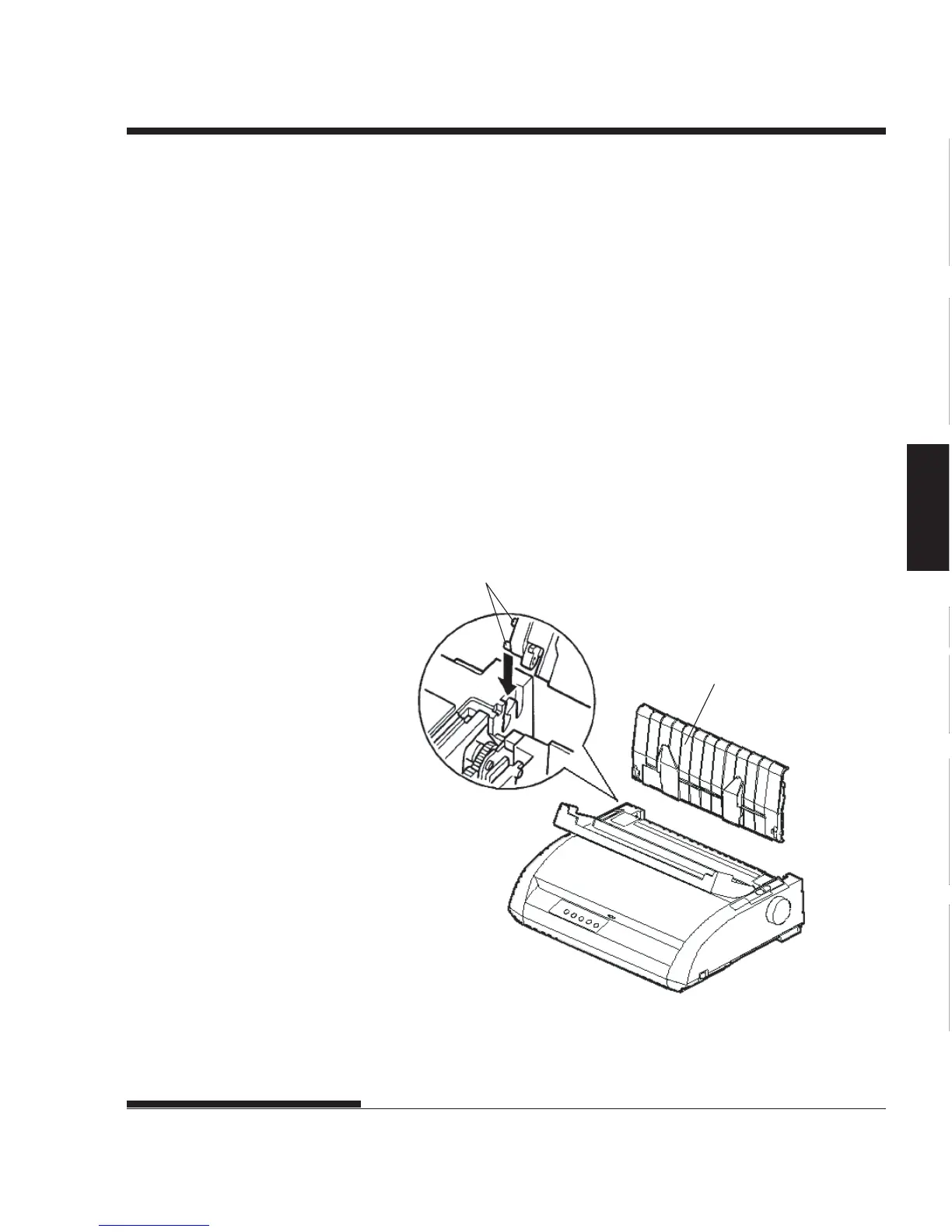
1. Referring to the following figure, locate the two grooved notches on
the top of the printer, behind the top cover. Note that each notch has a
front groove and a rear groove.
2. Locate the two mounting pins on each side of the cut sheet stand.
Installing the cut sheet stand
Cut sheet stand
Mounting pins














 To Next Page