PAPER HANDLING
User's Manual3-6
Preparing to load a sheet of paper
5. Insert a sheet of paper into the cut sheet stand. Make sure that the
bottom edge of the paper engages snugly with the platen. Adjust the
right paper guide.
2. If necessary, reset the paper thickness lever. (See the section
Adjusting for Paper Thickness earlier in this chapter.)
3. Move the paper select lever forward. (This lever is at the top left of
the printer.)
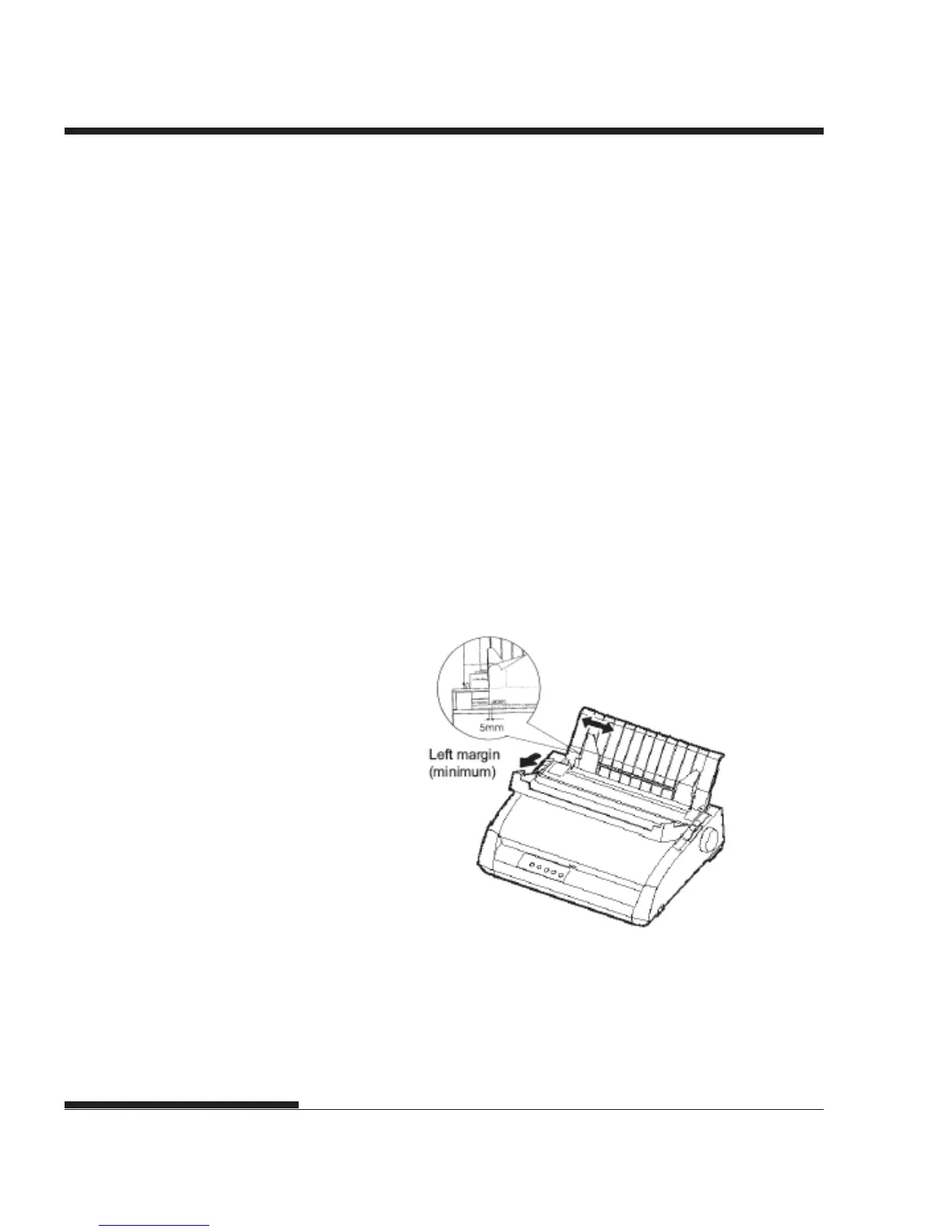
4. Raise the cut sheet stand. Position the left paper guide. Note that its
movable range is limited.
Adjusting the left margin
Below the left paper guide, the cut sheet stand has a scale graduated in units of
0.1 inch. When the left paper guide is positioned all the way to the right, the
left margin is approximately 5 mm (0.2 inch). To help align paper, also use the
two inch-based rulers on the ejection cover of the printer. The gradations on
the ruler are for 10 columns per inch.














 To Next Page