Setup Mode
USING SETUP MODE
User's Manual 5-3
Quick
Reference
Introduc-
tion
Setting Up
Paper
Handling
Printing
Setup Mode
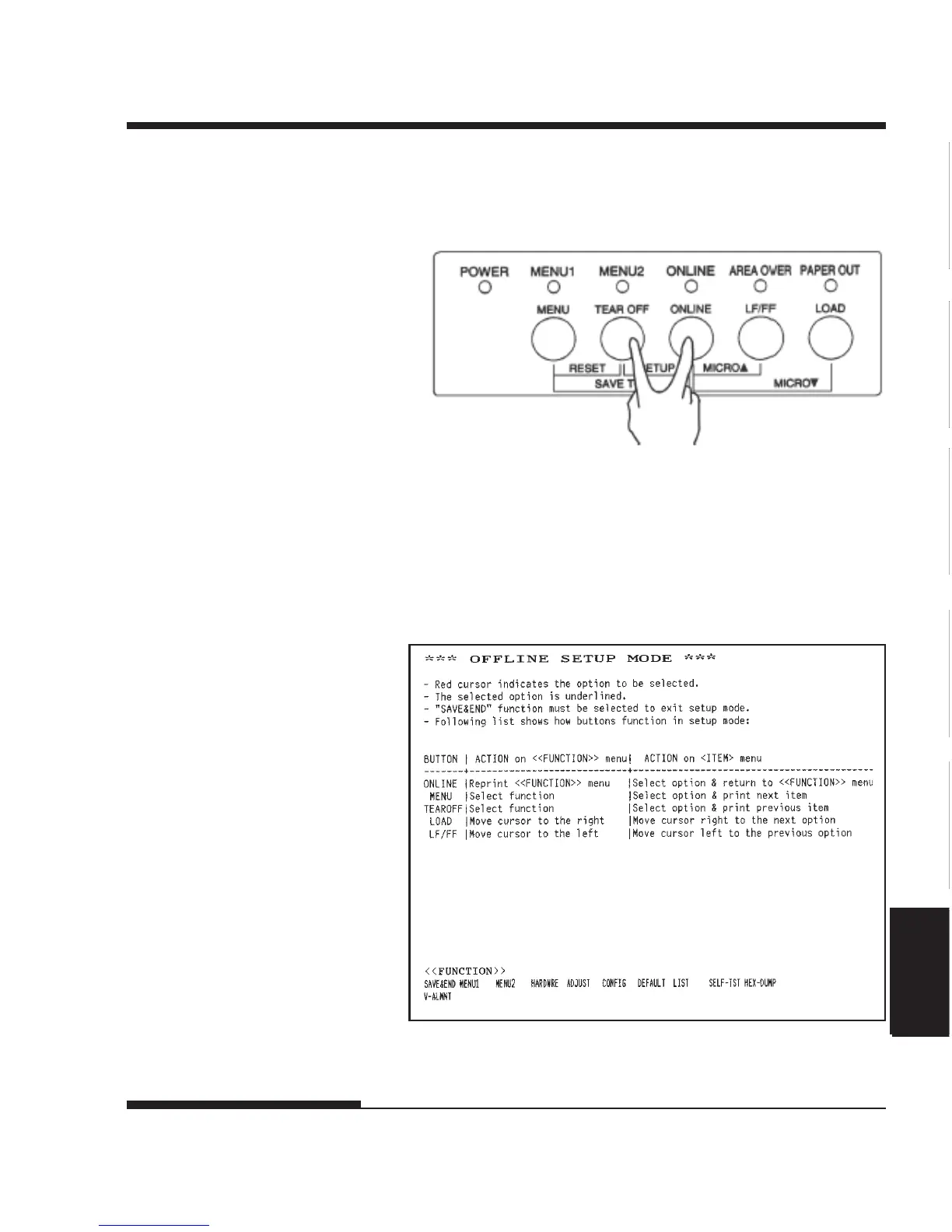
3. Press the TEAR OFF and ONLINE buttons simultaneously until the
printer beeps.
Initial printout in setup mode
Entering setup mode
If you do not hear a beep or hear an alarm beep (beeps four times),
you are not in setup mode. Place the printer offline and try again.
4. When the printer enters offline setup mode, it prints the following
information.














 To Next Page