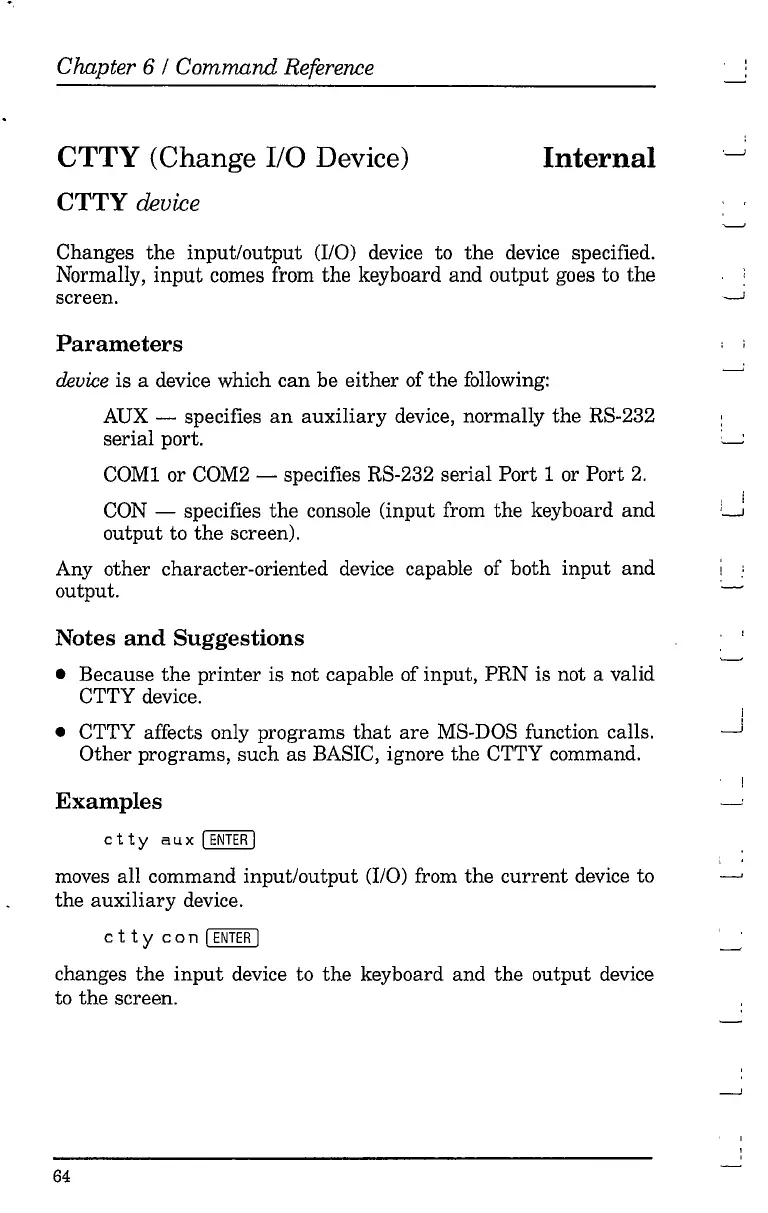
"
Chapter 6 / Command Reference
CTTY (Change
I/O
Device)
CTTY device
Internal
Changes
the
input/output
(I/O) device to
the
device specified.
Normally,
input
comes from
the
keyboard and
output
goes to
the
screen.
Parameters
device
is a device which
can
be
either
of
the
following:
AUX - specifies
an
auxiliary
device, normally
the
RS-232
serial port.
COMI or COM2 - specifies RS-232 serial
Port
1 or Port
2.
CON - specifies
the
console (input from
the
keyboard
and
output
to
the
screen).
Any other character-oriented device capable of both
input
and
output.
Notes
and
Suggestions
• Because
the
printer
is not capable of input,
PRN
is not a valid
CTTY device.
• CTTY affects only programs
that
are
MS-DOS function calls.
Other programs, such as BASIC, ignore
the
CTTY command.
Examples
c
tty
a u x I
ENTER
I
moves all command input/output (I/O) from
the
current
device to
the
auxiliary
device.
c
tty
con
I
ENTER
I
changes
the
input
device to
the
keyboard and
the
output device
to
the
screen.
64
i i



 To Next Page