23
3. Press 3to return to “Factory Defaults ”.
Note : After selecting “Confirm ”, this DVD Recorder will reset
every setup item in the setup menu. When factory default is
done, the machine will automatically reboot and EASY
SETUP will appear on TV screen.
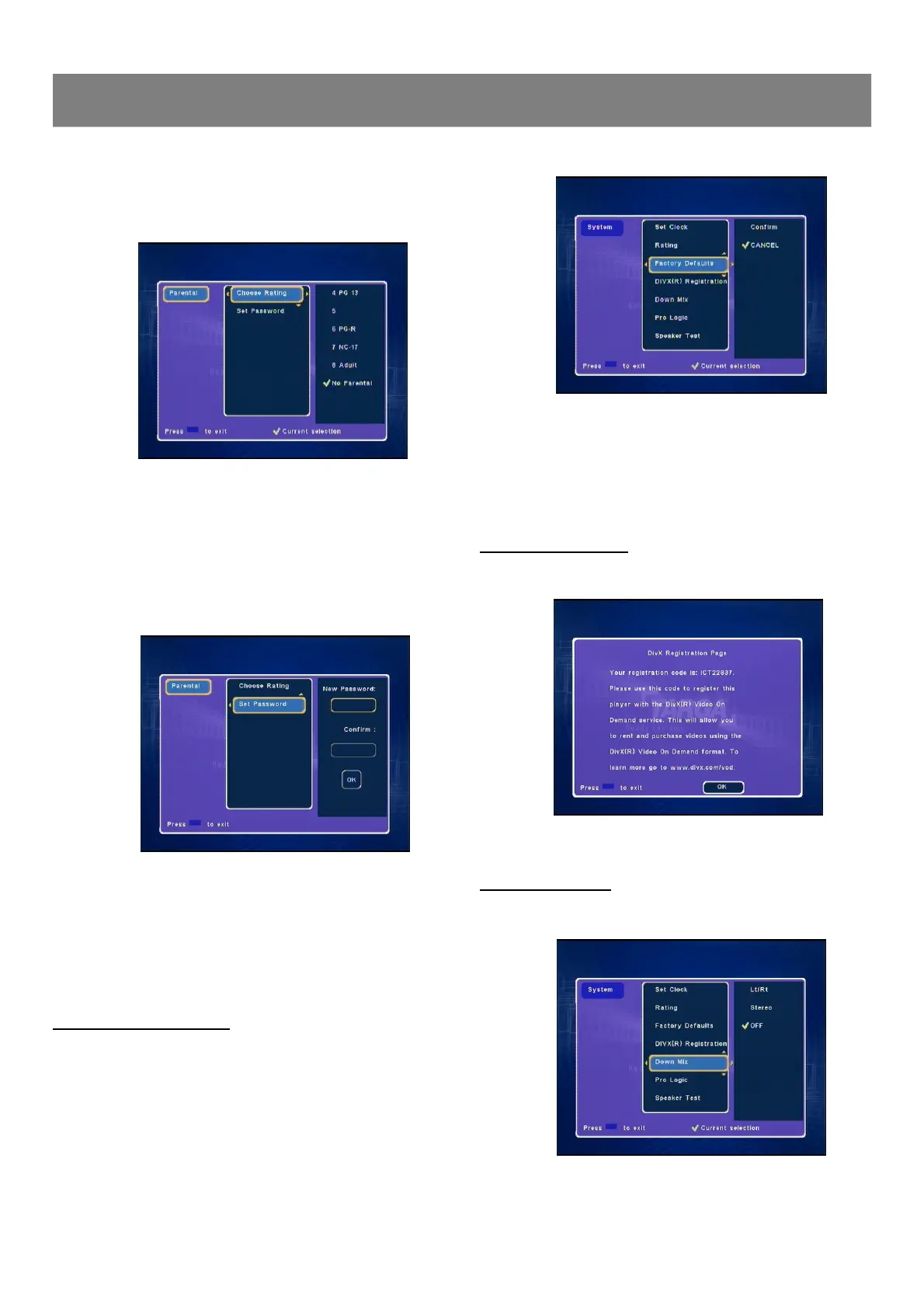
DivX(R) Registration
1. Select “DivX(R) Registration ” to show your registration code.
2. Press ENTER to return “Divx(R) Registration” screen.
Down Mix Setting
1. Select “Down Mix ”.
Choose Rating
1. Select “Choose Rating ”.
2. Press Enter or4to select the sub menu, then press 5/6 to
select the parental lock level.
3. Press Enter, “
” appears.
Note : After inserting a parental disc and loading, you should be
requested to enter the password again to double confirm
your playback.
Set Password
1. Select “Set Password ”.
2. Press Enter or4, “New Password ”screen appears in right
column.
3. Use number buttons to set new password your desired (maximum
4 numbers) and press Enter , the Confirm column is highlighted.
then enter the same password as above.
4. Press Enter to select “OK ”, then press Enter to confirm and
“Set Password ”returns, the new password is set.
5. Press3 to return to “Rating ”.
Factory Defaults Setting
You may re-set the previous settings in System to the default
setting.
1. Select “Factory Defaults ”.
2. Press Enter or4to enter sub menu.
Note : If you want to select factory defaults, select “Confirm ”,
If you want to keep current setting, select “CANCEL ”.
1-5 System Setup (continued)



 To Next Page