24
1-5 System Setup (continued)
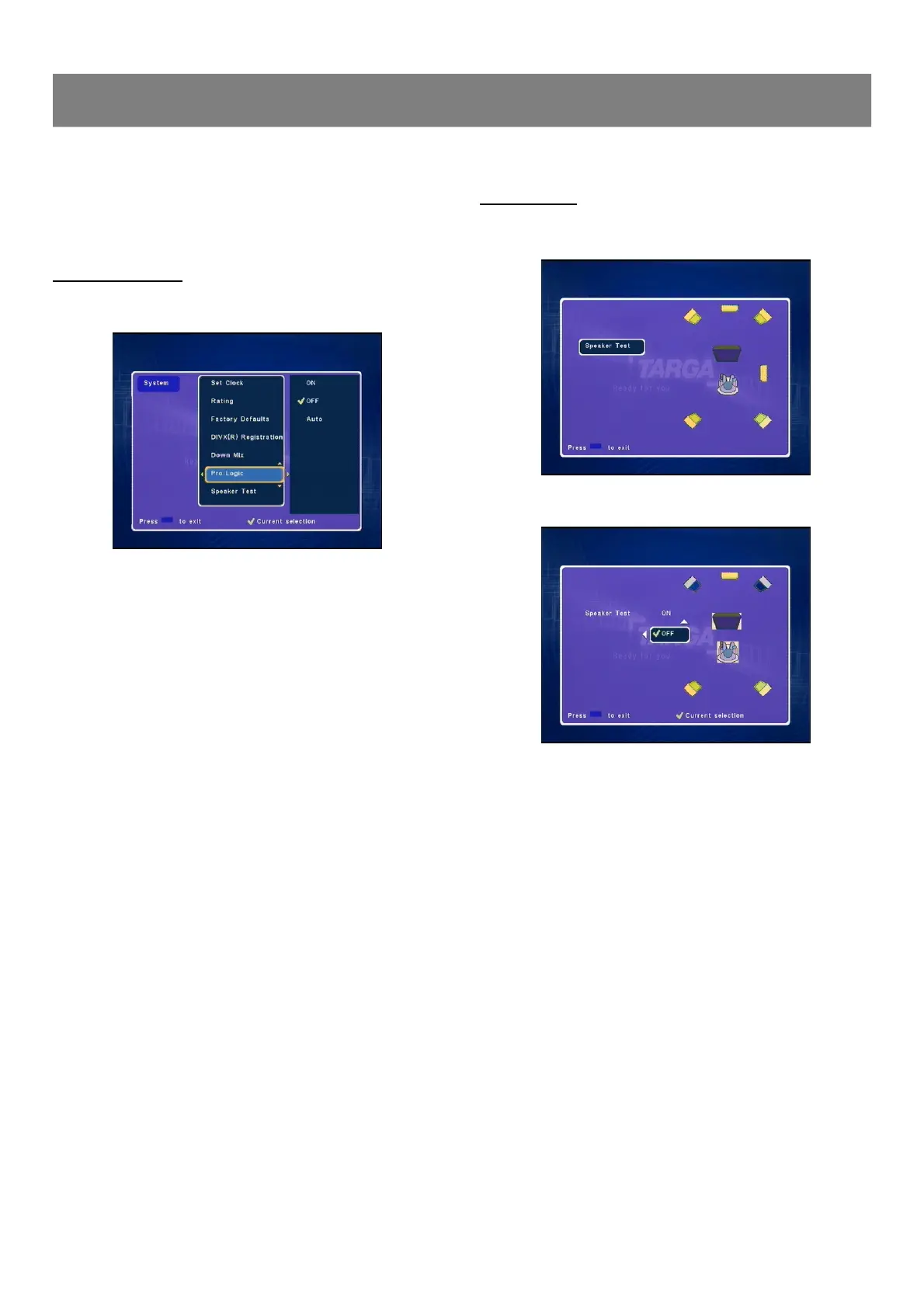
Pro Logic Setting
1. Select “Pro Logic ”.
2. Press ENTER or4to select the sub menu, then press 5/
6 to select “ON ”or “OFF”or “Auto ”.
2. Press ENTER or4to select the sub menu, then press 5/6 to
select the desired item.
3. Press ENTER, “
” appears, the disc down mix is set.
4. Press 3to return to “Down Mix ”.
3. Press ENTER, “
” appears.
4. Press 3to return to“Pro Logic ”.
Speaker Test
1. Select “Speaker Test ”.
2. Press Enter or4to enter.
3. Press 3to return to “Version ”.
4. Press System to exit.



 To Next Page