35
3 Playback Features (continued)
DivX / Nero Digital Playback
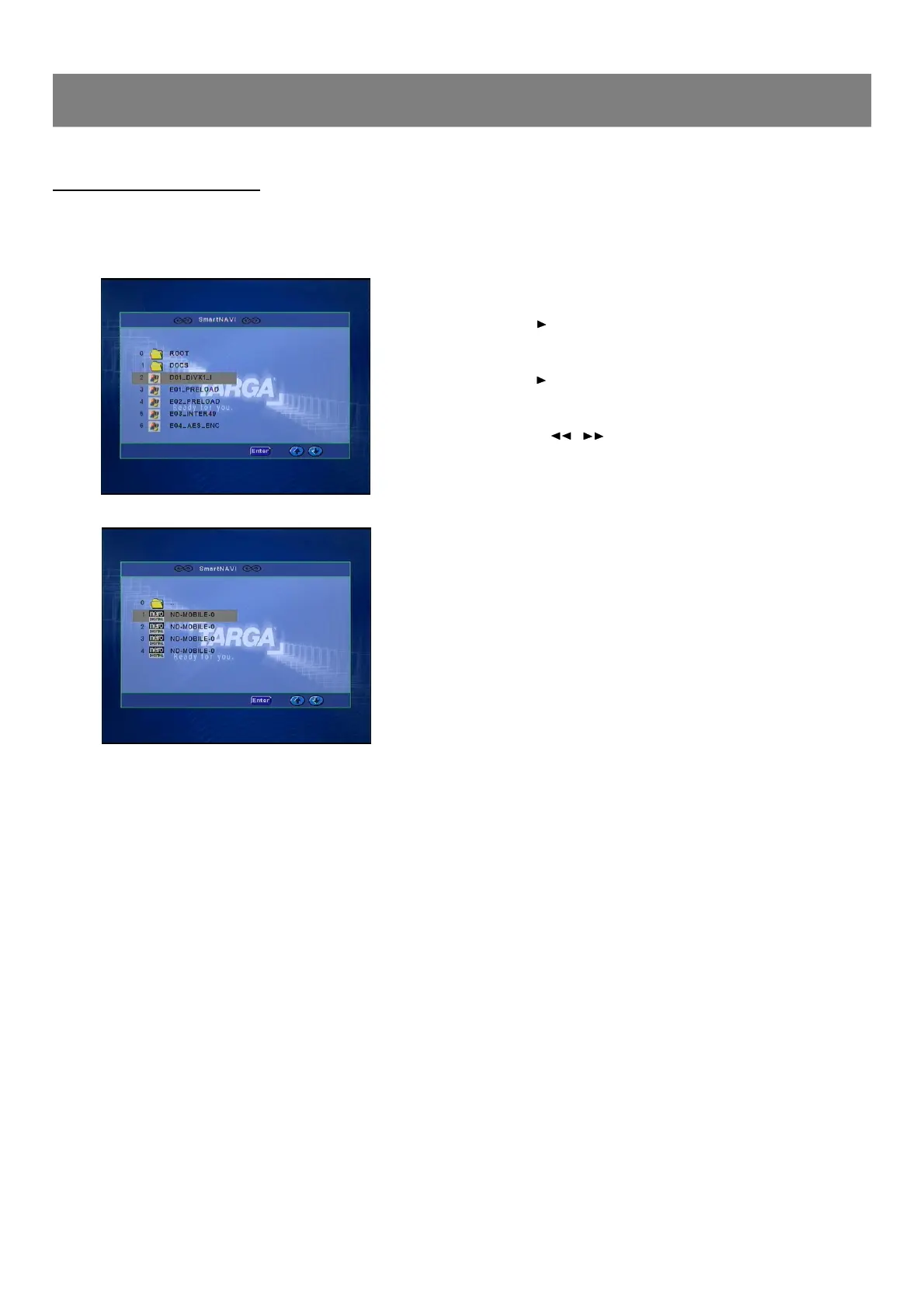
1. Load the disc with the label facing up on the disc tray.
n File list screen appears.
2. Press 5/6 to select the folder or file, and press Enter or
press number buttons to select the file.
n If the folder is selected, the file menu of the selected folder
appears.
n If the file is selected, the selected file playback starts.
(“Play ”appears briefly on the TV screen).
3. Repeat step 2 to select the file in the folder, if necessary.
Stopping Playback
n Press n during playback.
n “Stop ”appears briefly on the TV screen.
Pause
n Press /ll during playback.
n “Pause ”appears briefly on the TV screen and “ll ”appears
on the FL display.
n Press /ll again to return to normal playback.
File Skip
n Press l / l repeatedly during playback to skip to
previous or next file.
Repeat Playback
n Press 1/ALL in the stop mode.
n Each time the button is pressed, the repeat mode will be changed
as follows.
Rep-one --> Folder Repeat --> Disc Repeat -->Repeat off
--> Rep-one -->...
To Display the Elapsed Playing Time
n Press Display in the playback mode.
n Each time the button is pressed, various playing time appears.
Note :
n Other playbacks are the same as DVDs.



 To Next Page