Formatting an SD card erases all files that are
on it. Make certain that you have copied any
files that you want to save from the card before
formatting it.
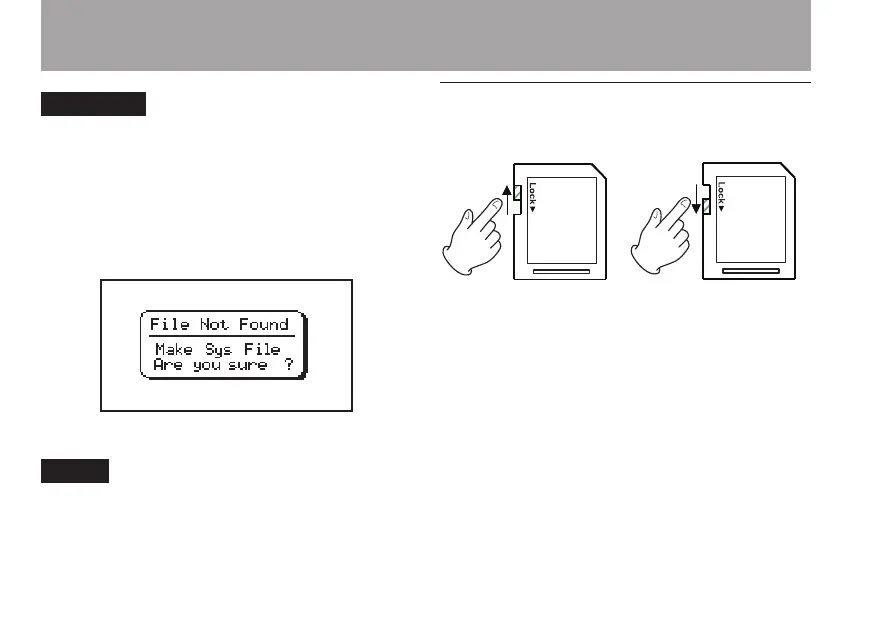
• The following pop-up screen appears if a system
le or other crucial le was accidentally erased
from the SD card when used with a computer
In either case, press ¥/π to reformat the card.
Always make backup copies of important files as
soon as you can.
Write-protected cards
SD cards have write-protect (lock) switches.
Files cannot be recorded or edited on a card if you
slide its switch down.
Slide the switch down if you want to prevent the
contents of the card from being changed or erased.
If a protected SD card is inserted, playback is
possible, but you will not be able to record or edit
les.
2–Preparation



 To Next Page