Using an AC adapter (purchased
separately)
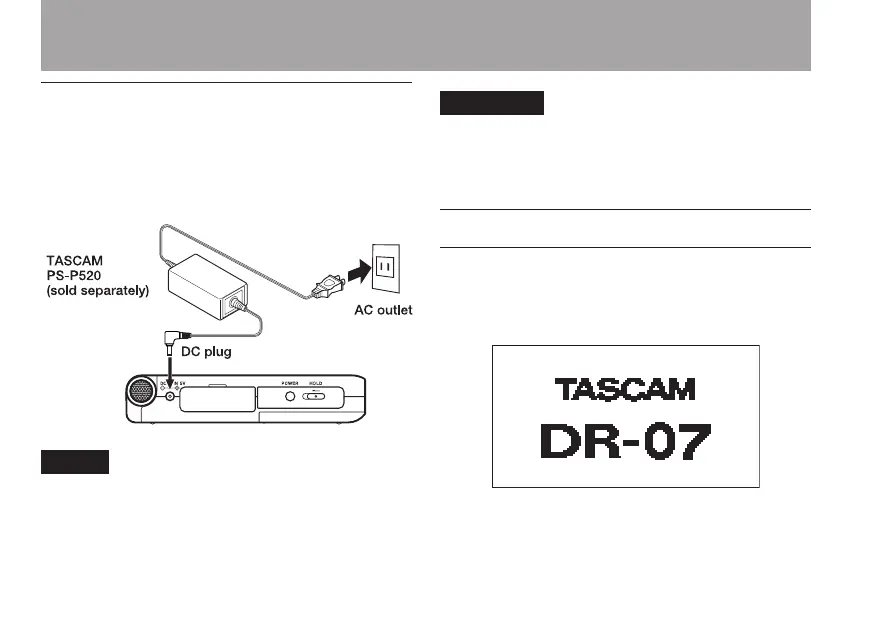
To use the PS-P520 AC adapter (sold separately),
connect the adapter to the unit and the adapter to
the power cord before plugging it into an outlet.
When both batteries are installed and the AC
adapter is connected, power will be supplied
from the AC adapter.
Use only the PS-P520 AC adapter. Using an
AC adapter other than the specified can
cause a malfunction, fire, or electric shock.
Turning the power on and off
To turn the power ON, press and hold the POWER
key on the left side panel until “
TASCAM
DR-07
” appears on the display.
The Home Screen appears when the unit starts up.
Start-up screen
2–Preparation



 To Next Page