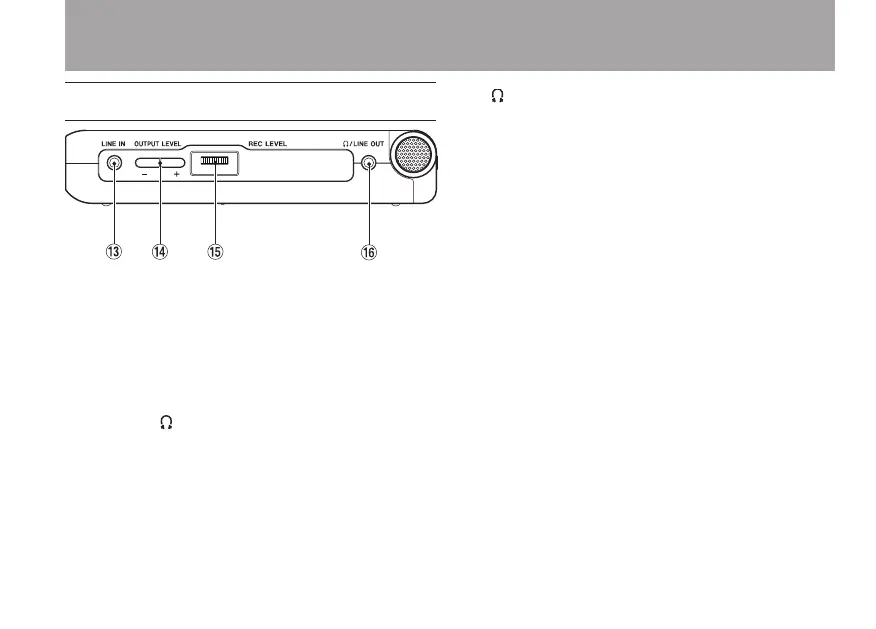
Right side panel
e LINE IN jack
Use this stereo mini-jack for line input.
r OUTPUT LEVEL (+, –) keys
Use these keys to adjust the signal level output
from the /LINE OUT jack. The volume level
appears on the display during adjustment.
t REC LEVEL volume
Use this to adjust the input signal level of the
built-in microphone, the MIC IN jack and the
LINE IN jack.
y /LINE OUT jack
Use this to connect with headphones or the
line input jack of an amp or other equipment.
During recording or recording standby, this
outputs the input signals and in other cases,
this outputs the playback signal.
3–Part Names and Functions



 To Next Page