4–Screen Overview
≤ key
When a setting screen is open, moves the
cursor (part highlighted in inverse) to the right
within the screen. In many cases, the ¥/ π
key can also be used this way.
STOP/HOME key:
When a setting screen is open, press to return
to the Home Screen. Press this key to answer
“NO” to a confirmation message.
You can also use menus during playback
Operation example
In this example, we will use the
CUE/REV
SPEED
item in the Setup Screen to change the
forward/reverse search speed.
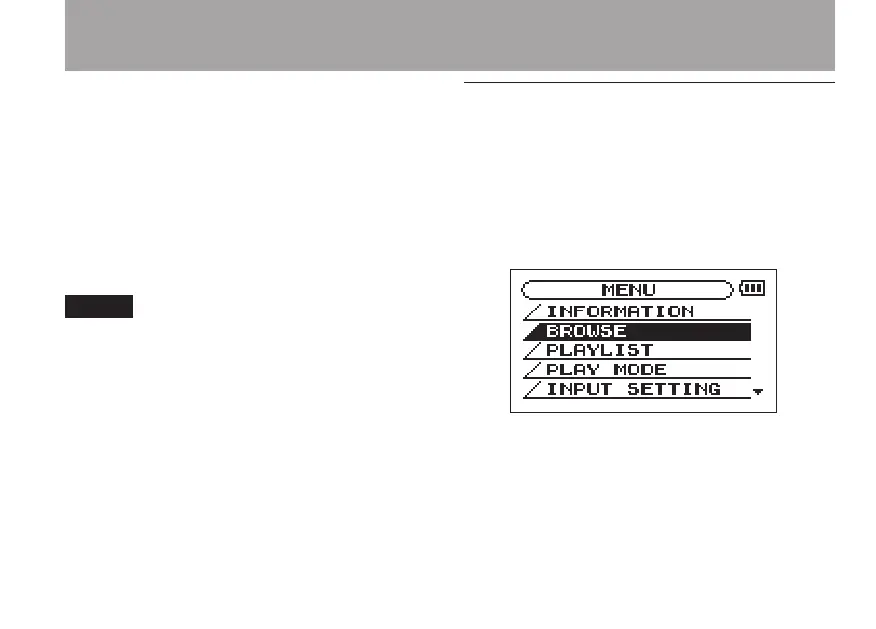
1 When the Home Screen is displayed, press
the MENU key to open the Menu Screen.
2 Turn the wheel to select
SETUP
(highlighted
in inverse), and press the ¥/π key to open
the Setup Screen.
3 Turn the wheel to select the
CUE/REV
SPEED
item, and press the ¥/ π key to



 To Next Page