5–Making Connections
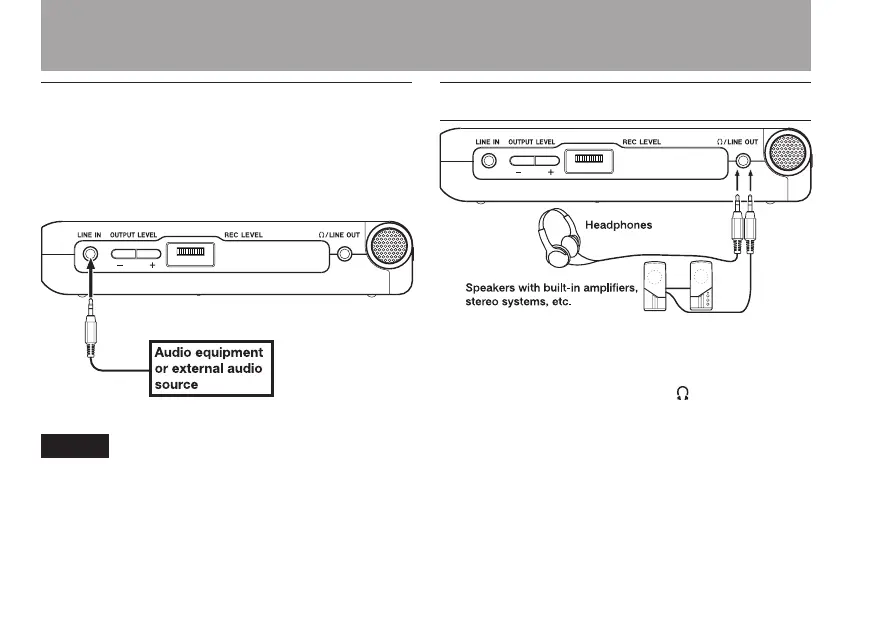
Connecting to the LINE IN jack
You can connect the line output of an audio device,
for example, to the LINE IN jack (stereo mini-jack)
on the right side panel.
The auto gain function and stereo/mono switch-
ing cannot be applied to a signal input through
the LINE IN.
Connecting monitors
Connect headphones, speakers with built-in
ampliers, an amp and speaker system or other
monitoring system to the DR-07 /LINE OUT jack.



 To Next Page