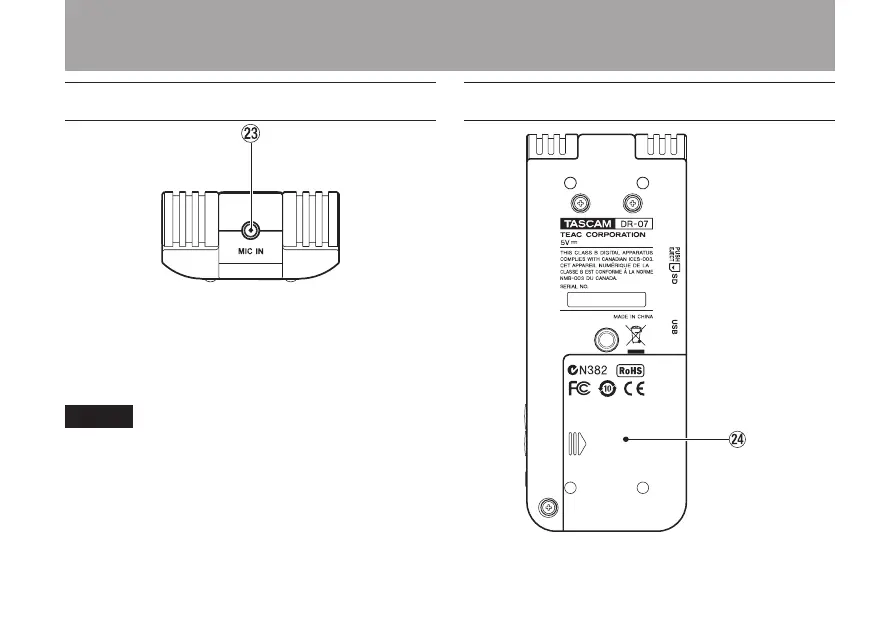
Rear Panel
d MIC IN jack
Use this input jack to connect a stereo
mini-jack microphone. This jack provides
plug-in power when set to do so on the
Input Setting Screen.
We call this the Rear Panel because this is the •
end that faces away from the operator of the
unit when placed on a table with the built-in
mic (this end) facing the sound source.
Connecting a mic to the MIC IN connector •
disables the built-in mics.
Bottom panel
f Battery compartment cover
3–Part Names and Functions



 To Next Page