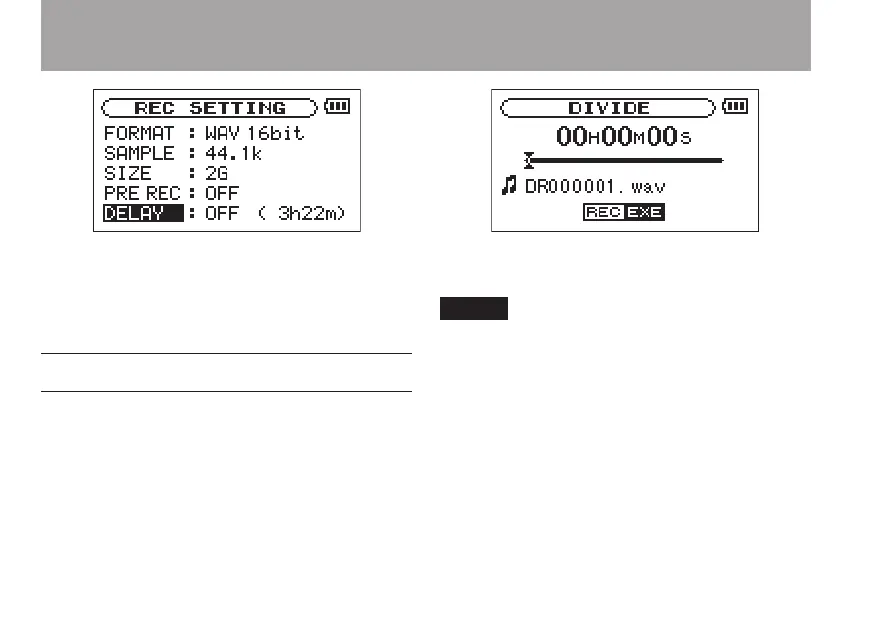
2 Use the DELAY item to turn recording delay
ON or OFF.
Options: ON, OFF(default setting)
File divide function
You can divide one le into two at the time of your
choice. For example, you can divide a large le or
multiple songs into several consecutive les or use
this function to erase unnecessary recordings.
1 Press the MENU key to open the menu list
screen. Select
DIVIDE
and press the Á/ π
key to open the DIVIDE screen
2 Use the wheel to locate the point where you
want to divide the file.
You can press the PLAY key and select the •
point where you want to divide the file
during playback.
You can also press the REW key to move •
the location towards the beginning of the
recording or the FWD key to move the loca-
tion towards the end of the recording. You
cannot divide a track at its beginning or end.
8–Recording



 To Next Page