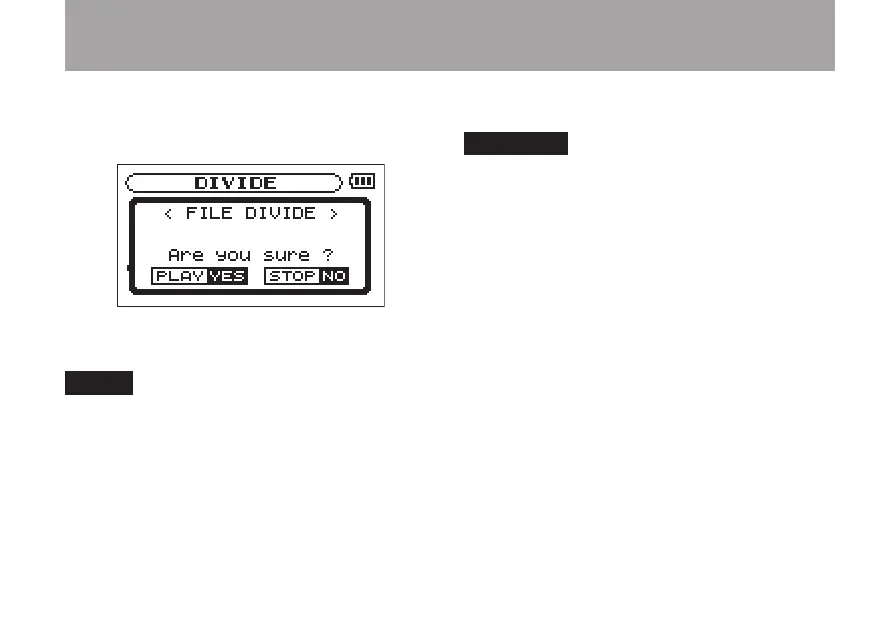
Press the RECORD key to open a confir-
mation screen and press the Á/ π key to
confirm.
The file is divided and the Home Screen
reopens.
When a file is divided, the two files that are •
created are given the same file name with
the suffixes “_a” and “_b” at the ends of
their names. If you further divide a file that
already has an “_a” at the end of its file
name, the split files will have the suffixes
“_a_a” and “_a_b”.
This function cannot be used if the remaining •
space on the SD card is low.
You cannot divide a file if the resulting •
file names would be 200 or more char-
acters long.
You cannot divide a file if a resulting file •
name would be the same as the name of
an already existing file.
8–Recording



 To Next Page