3–Part Names and Functions
4µ key
Press this key to return to the beginning of a
track that is playing or stopped in the middle.
If you press this key when a track is stopped
at its beginning, the unit will skip to the
beginning of the previous track.
Press and hold this key to search backwards.
On the setting screens, use this key to move
the cursor left. On the Browse Screen, press
this key to move up a level.
5 MENU key
When the Home Screen is displayed, press
this key to open the Menu Screen.
Press this key to return to the Menu Screen
from the various setting screens.
When the Menu Screen is displayed, press this
key to return to the Home Screen.
6 STOP/HOME key
Press this key to stop recording and playback
or to end recording standby.
When a setting screen is open, press to return
to the Home Screen.
On a setting screen, use this key to respond
“NO” to a confirmation message.
7 PB CONT key
Press and hold this key to open the Playback
Control (
PB CONTROL
) Screen. When the
Playback Control Screen is open, press and
hold this key to return to the Home Screen.
(See “Special playback control functions” on
page 71.)
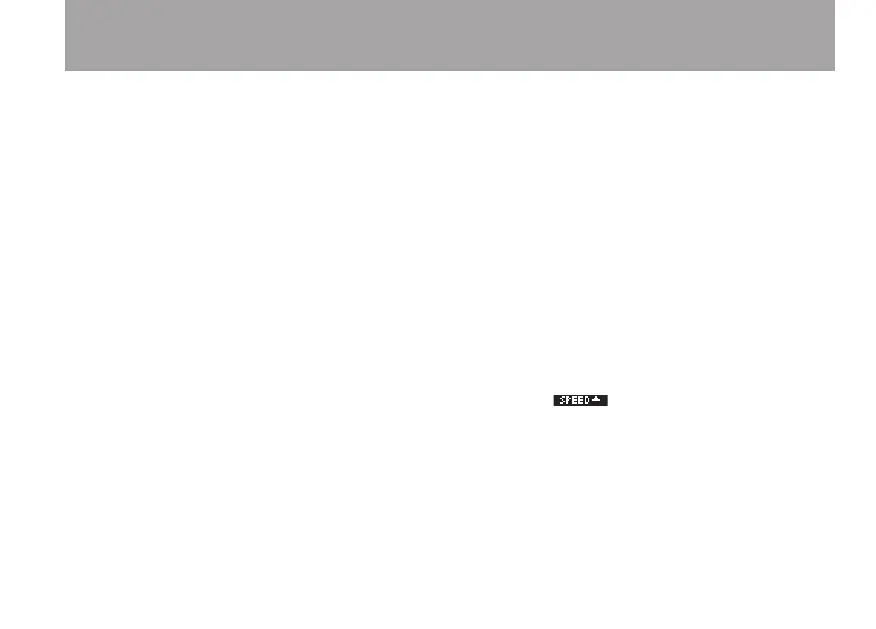
Briefly press this key to turn the speed control
that is set on the Playback Control Screen
(VSA and/or SPEED) ON and OFF. When
ON, the icon appears at the top of
the Home Screen as light letters on a dark
background.
8 ≤ key
Press this key during playback or when
playback is stopped to skip to beginning of the
next track.
Press and hold this key to search forward.



 To Next Page