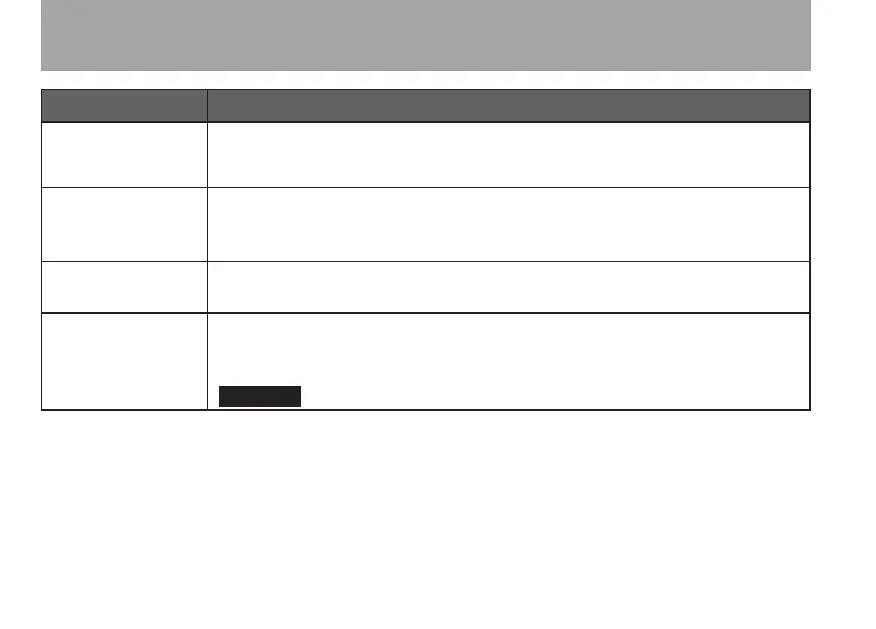
Message Meaning and response
File Not
Found
PLAYLIST
The le in the Playlist cannot be found. Please conrm that the le is still in the
Music Folder.
No PLAYLIST
No les are in the Playlist. This appears when the
PLAY MODE
is set to
PLAYLIST
, but no les have been added to the Playlist. Add a le to the
Playlist. See “Adding tracks to the playlist” on page 63.
PLAYLIST
FULL
You cannot add more than 99 tracks to the Playlist. Erase an unneeded le from
the Playlist and then add the new le. See “Editing the playlist” on page 64.
MBR Error
Init CARD
There is a problem with the Master Boot Record. The card is not formatted
properly or the formatting is broken. When “
Are you Sure?
” appears,
press the ¥/π key to format the entire card in FAT format.
Execution of FAT formatting erases all data currently on the card.
16–Messages



 To Next Page