- 12 -
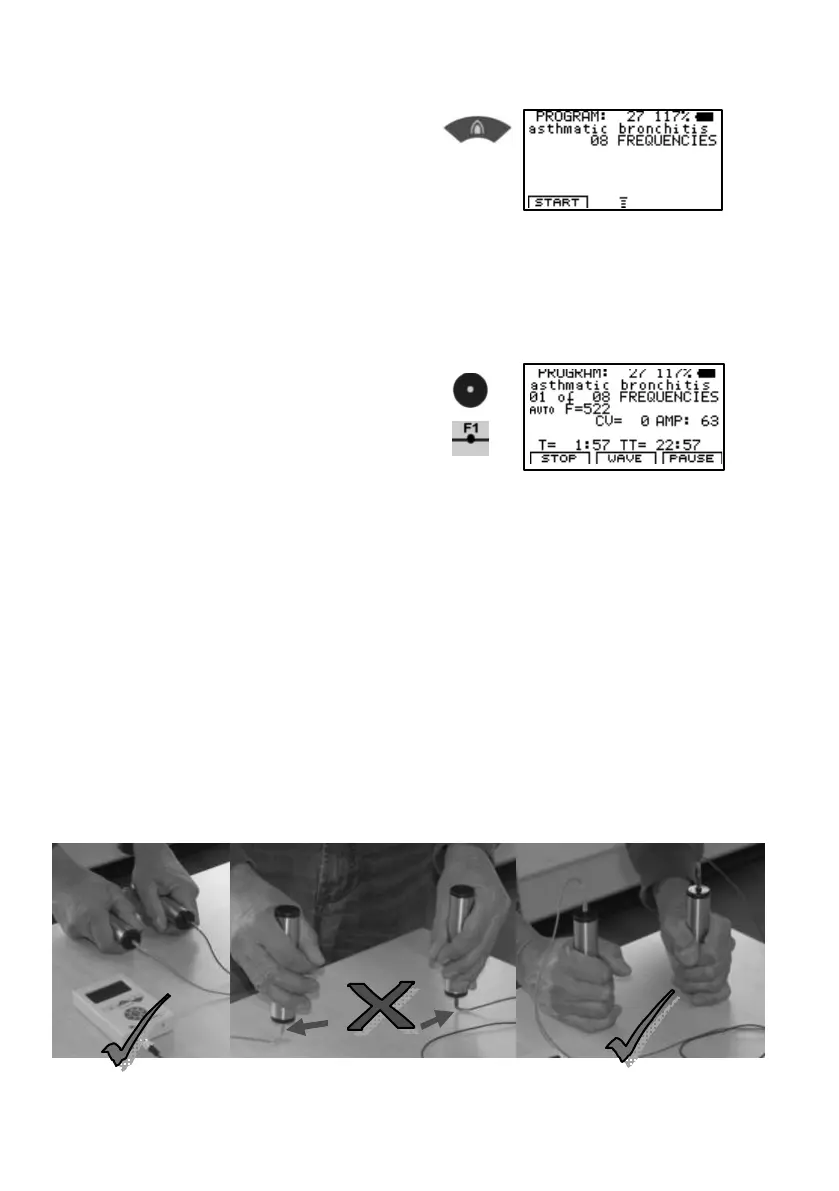
4. Select entry.
Press and hold
until the desired program number
appears in the center
of the top line of the display.
Take the hand holds or position
the self adhesive pads.
5. Start with
or
Program 27 holds 8 frequency values and completes the application w ithin
24 minutes .
The device sw itches OFF automatically tw o minutes after completing the
application, unless it is sw itched OFF manually before by pressing
CENTER until the device signals.
ATTENTION
NEV ER FORCE APPLICATION CABL E TO FORM SHARP ANGLES


 To Next Page