- 6 -
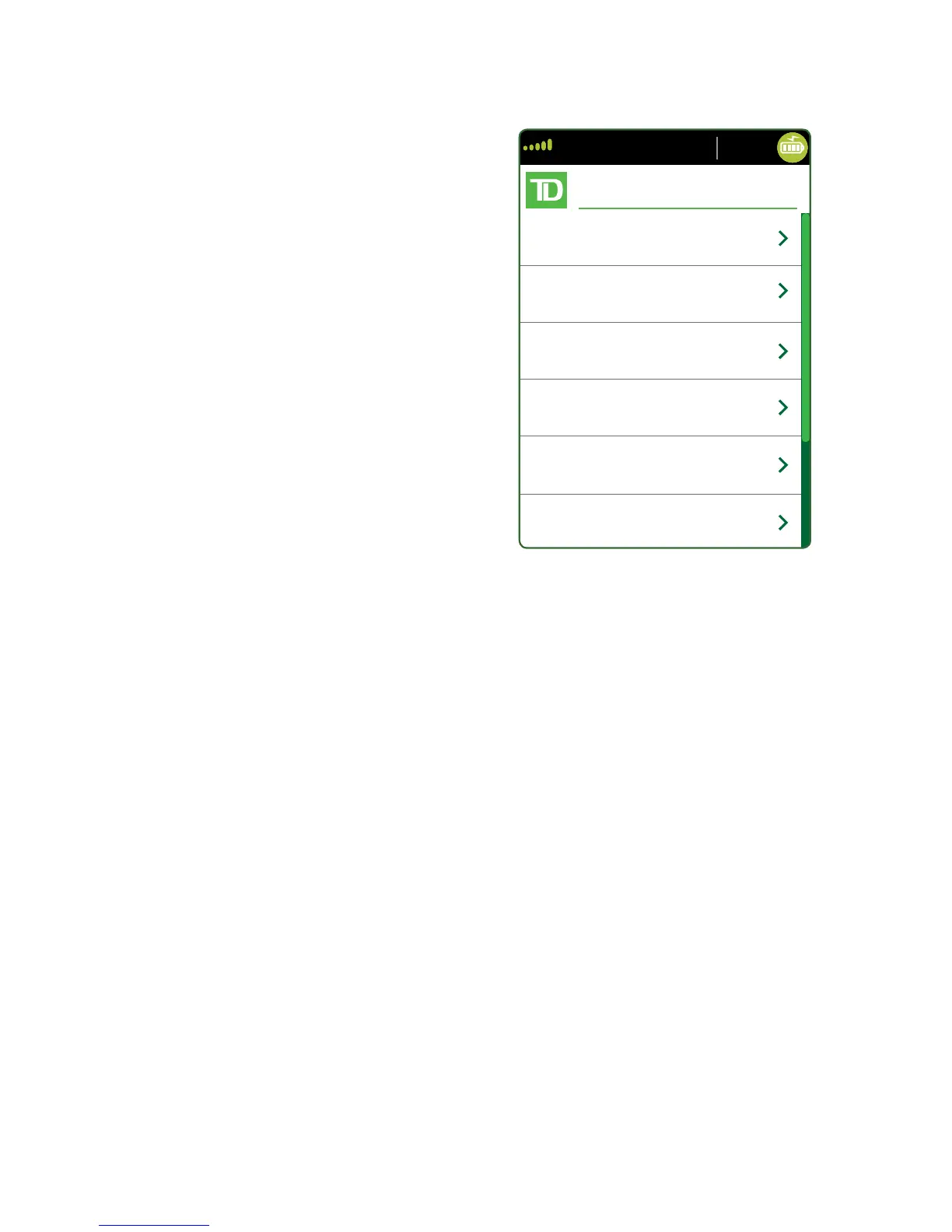
Admin menu screen
From the Home screen, press the Admin key
and the Admin Menu screen appears. It
displays the following options:
• Clerk Menu
• Batch Menu
• Setup Menu
• Maintenance
• Diagnostics
• Security
• Terminal Info
• Host Management
For a list of all the administrator functions
available on the terminal, refer to page
27 for a menu breakdown.
Accessibility features
The TD Move 5000 has numerous accessibility features which relect TD’s commitment
to our customers. It has such features as:
• Backlit keypad and adjustable screen brightness to create visual contrast
• Adjustable font size
• Adjustable key stroke sound when a key is pressed
• A stylus is supplied with each terminal to aid on screen navigation
• A raised identiier on the:
• 5 key,
• Main Menu key,
• Cancel key,
• Correction key, and
• OK key
Changing the paper roll
1. Gently pull up on the paper chamber panel along the top of terminal and
remove the old paper roll.
2. Unwrap a new paper roll and place it in the paper chamber so that the loose
end of the paper feeds up from under the paper roll towards you.
3. Press down on the panel until it clicks shut and ensure there is enough paper
sticking out from the chamber that it touches the top of the terminal screen.



 To Next Page