- 21 -
Administration
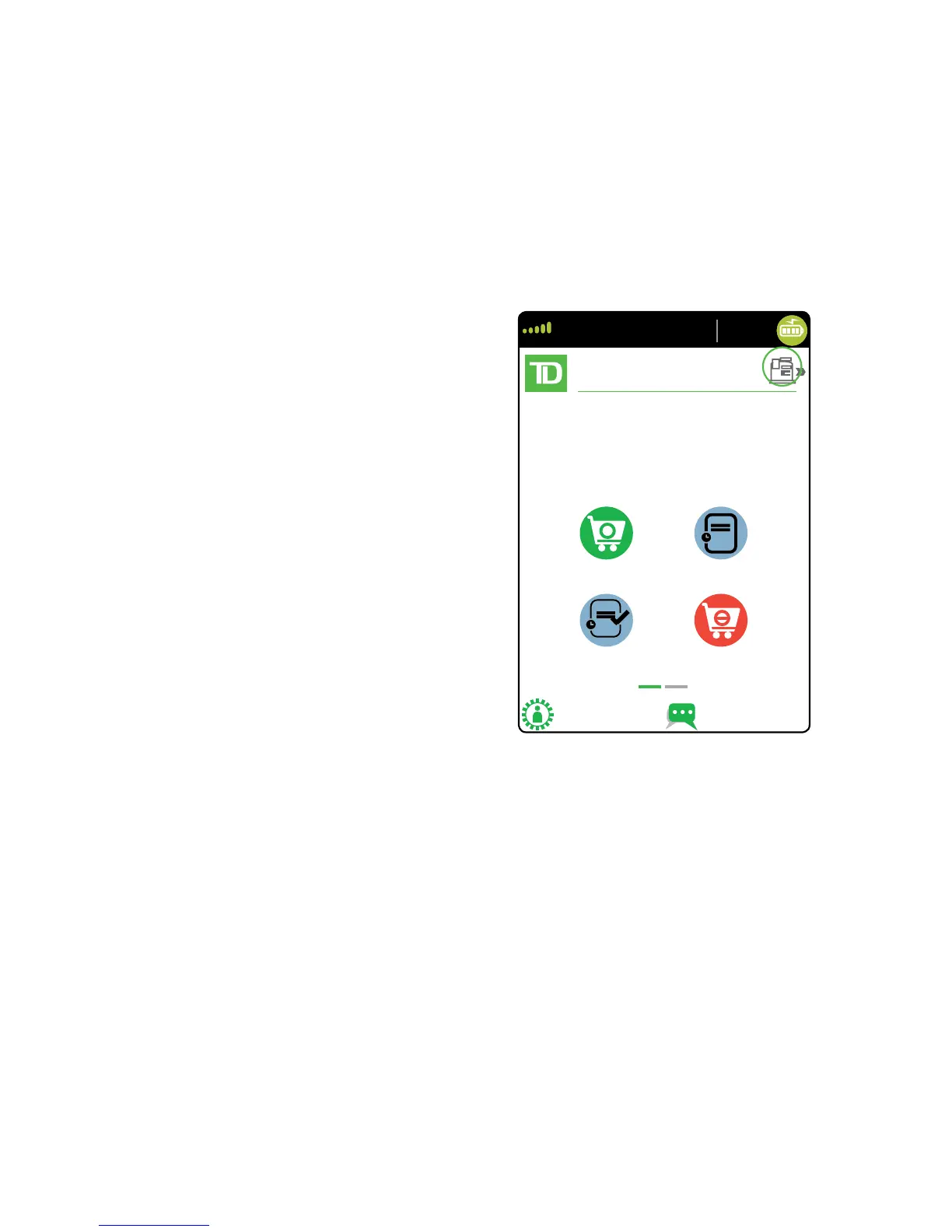
Changing terminal mode (semi-integrated terminals only)
You use this option to change your terminal between semi-integrated mode and standalone
mode. You would only do this if you are experiencing issues with your electronic cash register
that prevents you from processing transactions or an agent at the TD Merchant Solutions
Help Desk requested that you do so.
1. Go to the Home screen and tap
the mode icon in the top-right of
the screen.
2. Conirm that you wish to continue
(Yes or No).
3. Enter a valid Admin ID and
password and tap Enter.
More features and functionality
There are more ways to conigure your terminal such as:
• User management
• Software downloads
• Communication options
• Terminal settings
• Transaction options
For more information, please refer online to the Merchant Guide at
www.TDMerchantSolutions.com/ResourceCentre.



 To Next Page